30
BUSH HD Ready LED LCD TV User Manual Helpline: 0845 604 0105
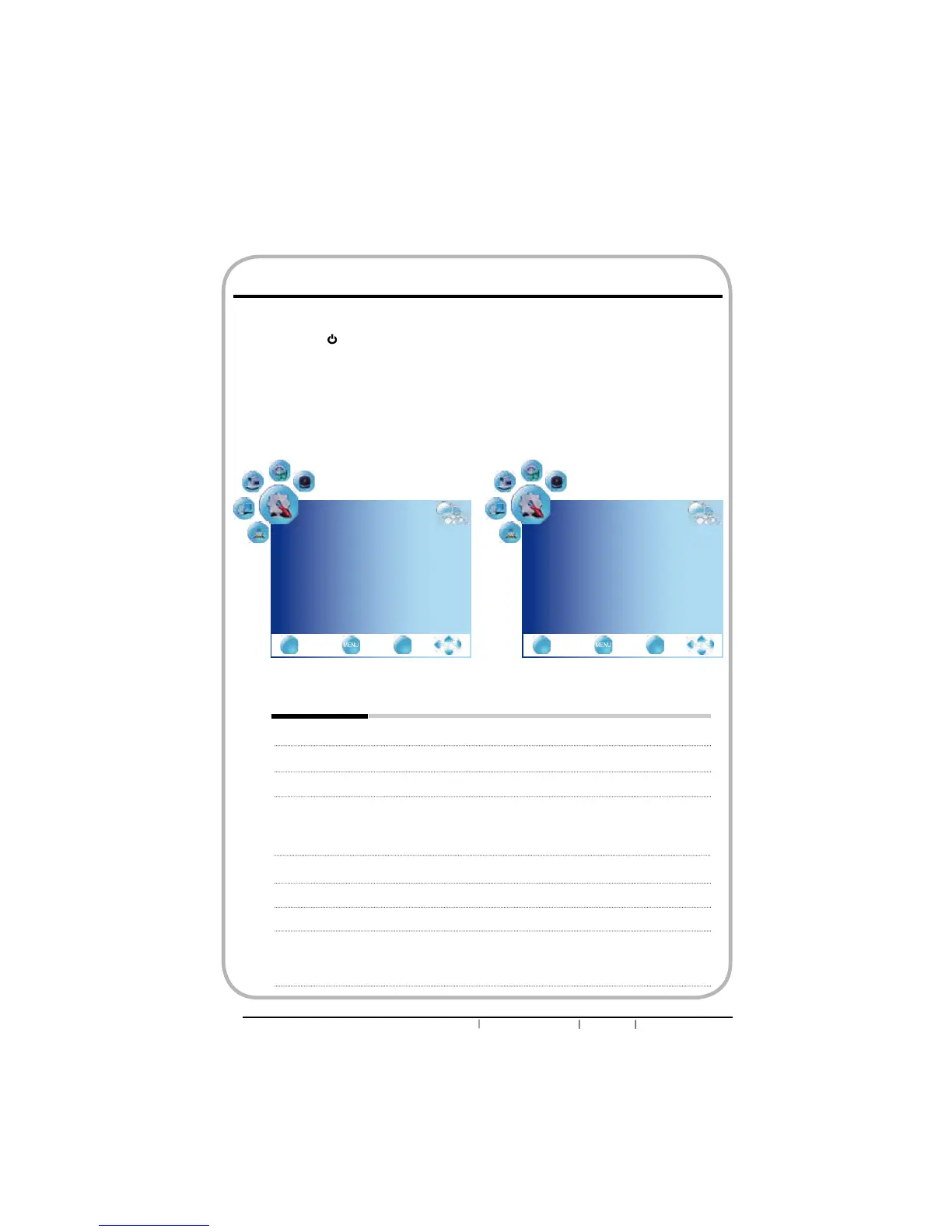
OPTION
Language English
Audio Language English
Subtitle Language English
Country UK
Restore Setting
ź
EXIT
Quit Back Select
OK
OPTION
Menu Duration 15 s
Blue Screen On
Contrast Enhancement Off
Software update Off
Do system update
Ÿ
EXIT
Quit Back Select
OK
nPress the button to turn the LED LCD TV on.
oPress the MENU button on the remote control to display the Main menu, and use the
ŻŹEXWWRQVWRVHOHFWWKHOPTION.
pUse the ŸźEXWWRQVWRKLJKOLJKWDQLQGLYLGXDORSWLRQRSWLRQXVHWKHŻŹEXWWRQVWR
change the setting, and press the MENU to exit the menu.
qThe OPTION menu includes the following options:
Language Selects to display all on-screen menus in your language of choice.
Audio Language Allows to select the audio language.
Subtitle Language Allows to display subtitle on the screen.
Country Allows you select the country: UK, Ireland, Denmark, Finland, Italy,
Norway, Spain, Sweden, Luxemburg, France, Czech., Poland,
Hungary, Austria, Germany, Switzerland, Belgium, Netherlands,
other.
Restore Setting Restores factory settings.
Menu Duration
Allows selection of the display time of the on-screen menu.
Blue Screen Enables or disables the blue screen.
Contrast On: Selects to increase the contrast levels of the image with
Enhancement changing scenes.
Off: Selects to turn off the contrast enhancement function.
Customizing the OPTION Settings


 To Next Page