31
BUSH HD Ready LED LCD TV User Manual Helpline: 0845 604 0105
04 Using the features
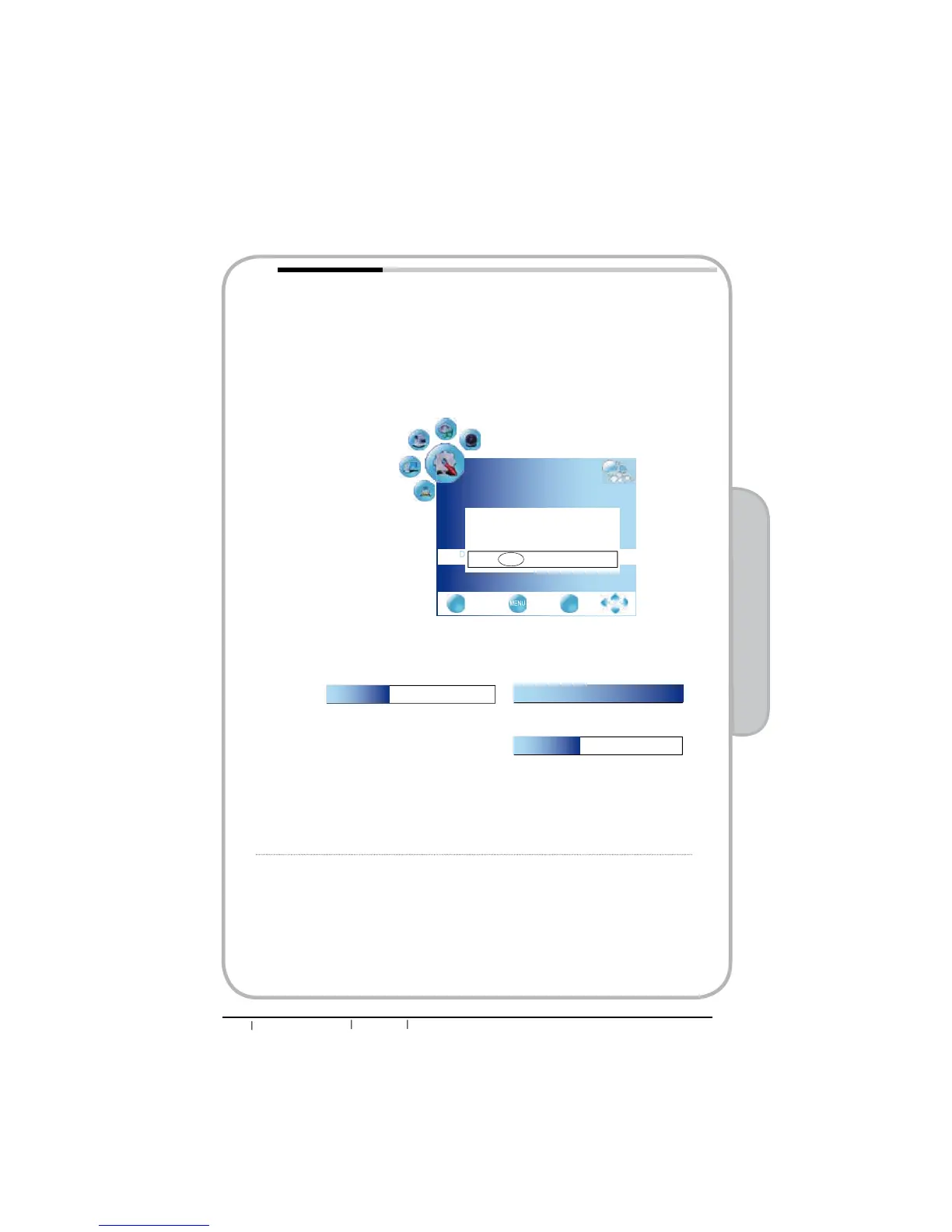
Software Update Selects for software upgrades by channel.
n8VHŻŹEXWWRQVWRVHOHFW³2Q´
oUpgrades the software using the broadcasting signal. If the
function is selected during the software transmission period,
this function searches for available software and downloads the
software and the “Do System Update” option is changed to
highlight.
p Use ɕɞ buttons to select “Do System Update”, press OK
EXWWRQWRGLVSOD\6RIWZDUH8SGDWHGLDORJXH8VHŻŹEXWWRQVWR
select “Yes”. This function will start software upgrading.
q The software upgrading process included two step, download
WKHVRIWZDUH¿UVWDQGWKHQXSJUDGH79DVEHORZSLFWXUH
The time required to download the software is determined by
the signal status. The TV will turn off automatically after
completing the software. Please don’t power off between
upgrading period.
100%
36%
Press EXIT to cancel download
36%
Press EXIT to cancel download
Important--Buring, don’t turn off the TV
OPTION
EXIT
Quit Back Select
OK
Menu Duration 15 s
Blue Screen On
Contrast Enhancement Off
Software update Off
Do system update
Ÿ
The system will start doing system update,
it will take about 5 minutes.
During the period,
don’t turn off the TV or touch any button.
Yes No


 To Next Page