32
BUSH HD Ready LED LCD TV User Manual Helpline: 0845 604 0105
nPress the button to turn the LED LCD TV on.
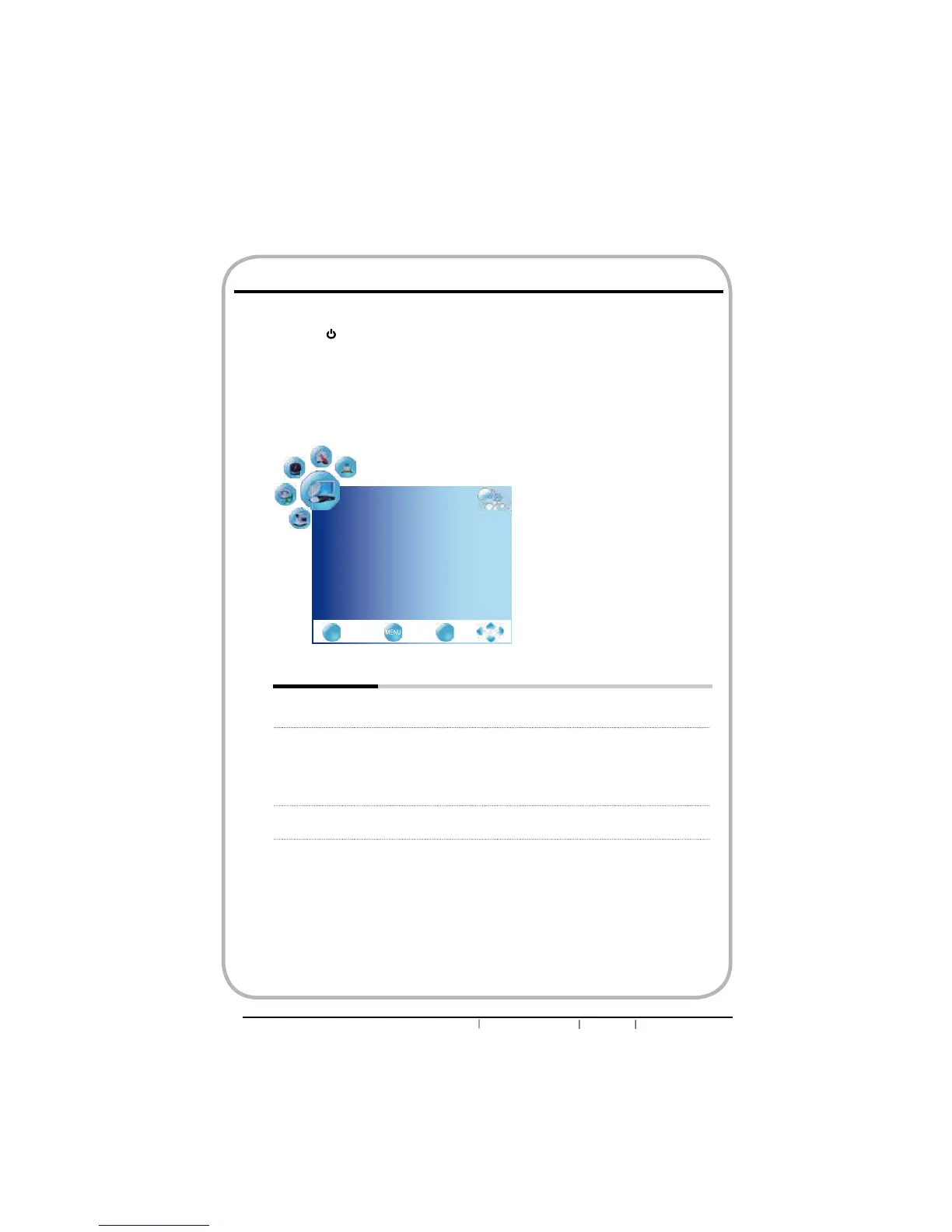
oPress the MENU button on the remote control to display the Main menu, and use the
ŻŹEXWWRQVWRVHOHFWWKHCHANNEL.
pUse the ŸźEXWWRQVWRKLJKOLJKWDQLQGLYLGXDOFKDQQHO6HWXSRSWLRQXVHWKHŻŹ
buttons to change the settings, and press the MENU exits the menu.
qThe CHANNEL menu includes the following options:
Auto Scan Press the OK button, the Auto Tuning automatically creates a list of
receivable channels.
DTV Manual SCAN $OORZVDGMXVWPHQWIRUWKH¿QHWXQHOHYHOE\KDQGLIVLJQDOLVWRRZHDN
or picture is blurry in DTV mode.
nPress OK button to display the Manual Tuning menu:
oPress ŻŹɞ buttons to select channel number.
p Press OK button button to start scaning.
ATV Manual SCAN $OORZVDGMXVWPHQWIRUWKH¿QHWXQHOHYHOE\KDQGLIVLJQDOLVWRRZHDN
or picture is blurry in ATV mode.
Customizing the CHANNEL Settings
CHANNEL
Auto Scan
DTV Manual Scan
ATV Manual Scan
Programme Edit
CI Information
EXIT
Quit Back Select
OK


 To Next Page