28
BUSH HD Ready LED LCD TV User Manual Helpline: 0845 604 0105
nPress the button to turn the LED LCD TV on.
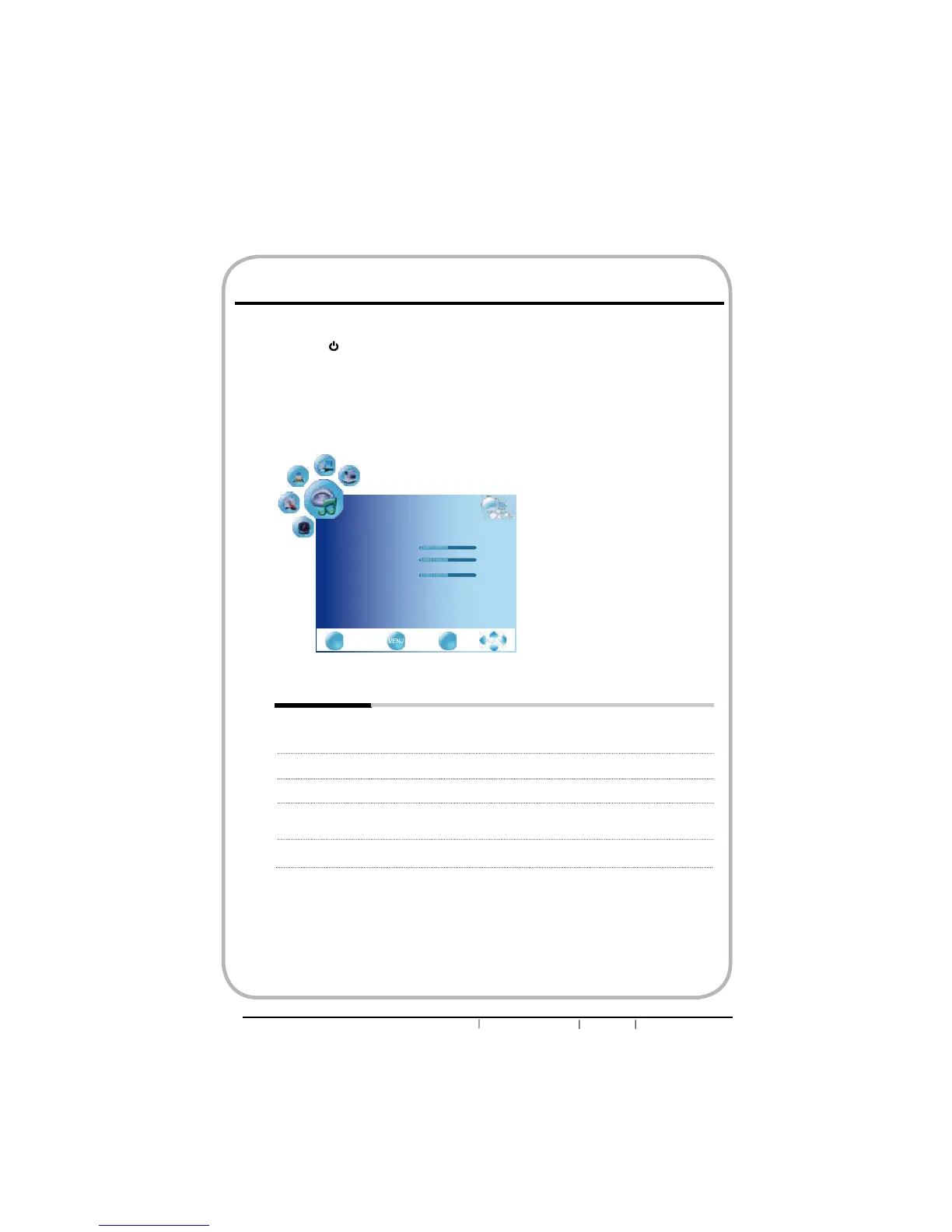
oPress the MENU button on the remote control to display the Main menu, and use the
ŻŹEXWWRQVWRVHOHFWWKHSOUND.
pUse the ŸźEXWWRQVWRKLJKOLJKWDQLQGLYLGXDOVRXQGRSWLRQXVHWKHŻŹEXWWRQVWR
change the setting, and press the MENU to exit the menu.
qThe SOUND Setup menu includes the following options:
Sound Mode Allows selection of an audio-enhancement technique from among the
following options: User/Sports/Movie/Music/Standard
Treble Controls the relative intensity of higher pitched sounds.
Bass Controls the relative intensity of lower-pitched sounds.
Balance Adjusts the relative volume of the speakers in a multiple speaker
system.
Surround Sound Enables or disables surround sound effect.
Customizing the SOUND Settings
EXIT
Quit Back Select
OK
SOUND
Sound Mode User
Treble 50
Bass 50
Balance 0
Surround Sound off


 To Next Page