34
BUSH HD Ready LED LCD TV User Manual Helpline: 0845 604 0105
LOCK
Lock Channel off
Change Password
Block Program
Parental Guidance off
EXIT
Quit Back Select
OK
nPress the button to turn the LED LCD TV on.
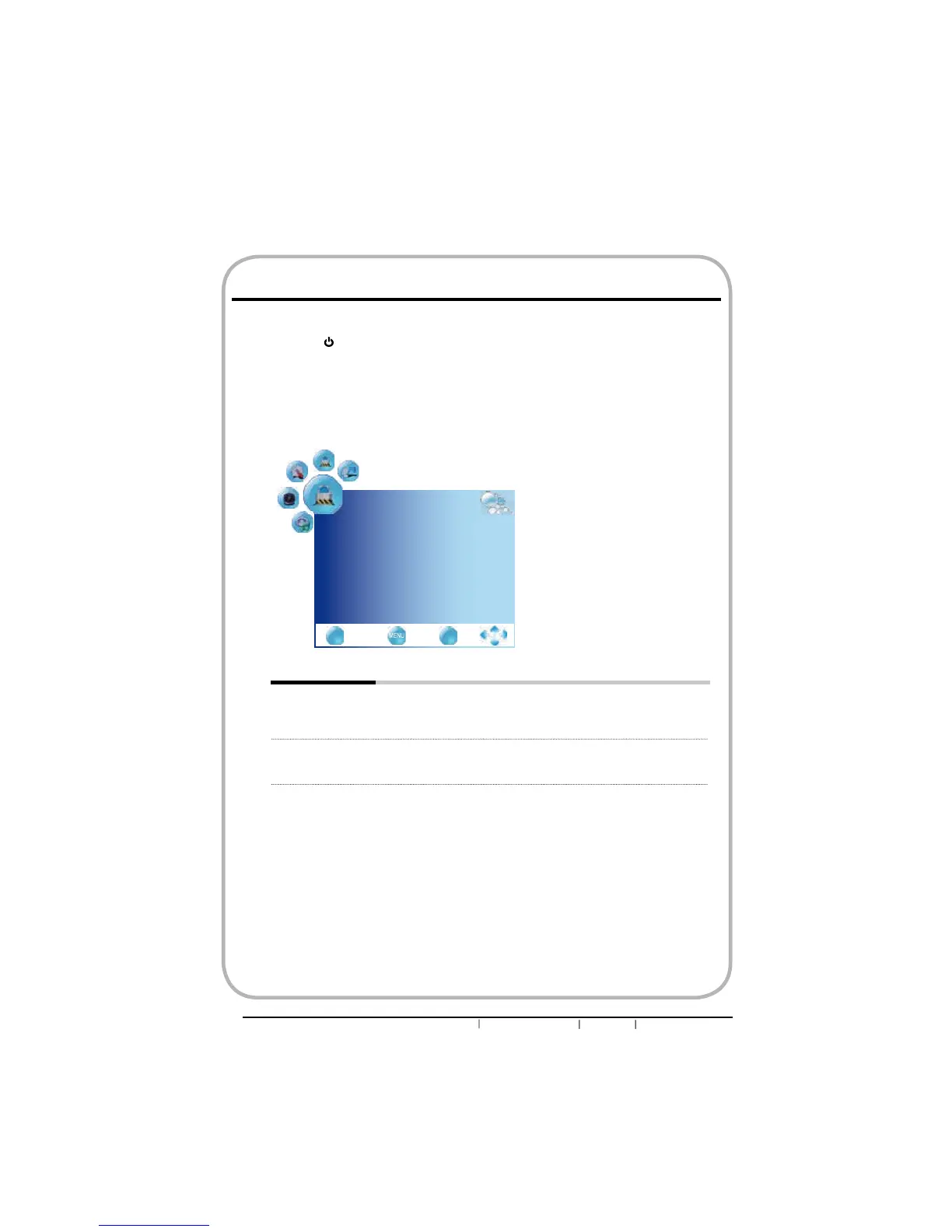
oPress the MENU button on the remote control to display the Main menu, and use the
ŻŹEXWWRQVWRVHOHFWWKHLOCK.
pUse the ŸźEXWWRQVWRKLJKOLJKWDQLQGLYLGXDOORFN6HWXSRSWLRQXVHWKHŻŹEXWWRQV
to change the settings, and press the MENU exits the menu.
qThe LOCK menu includes the following options:
Lock Channel Lock channel is designed to prevent accidentally retuning the TV
and losing channels. When the Lock channel is “ON”, a valid
password is required if the TV is to be retuned.
Change Password Allows to set the password.
Use the function, must enter a four-digit password. The factory
password is 0000
Customizing the LOCK Settings


 To Next Page