Page 22 of 61
INSTRUCTION, USE AND
MAINTENANCE MANUAL
EN
- The following screen page will appear on the monitor:
Fig. 26
- Place the distance-diameter caliper grippers (Fig. 27
ref. 1) in contact with the rim.
1
Fig. 27
Press the green button on the monitor to start
the rim analysis procedure. The circle starts to spin
at low speed (30 rpm) and at the end of the measure-
ment the eccentricity graph appears, as shown in the
Fig._28.
1296-M024-01
LIBRAK350 - LIBRAK350PRO
• Measuring procedure of electronic RUN-OUT with
the distance-diameter caliper arm.
The electronic RUN-OUT measuring device is useful
to check if the rim has some imperfections.
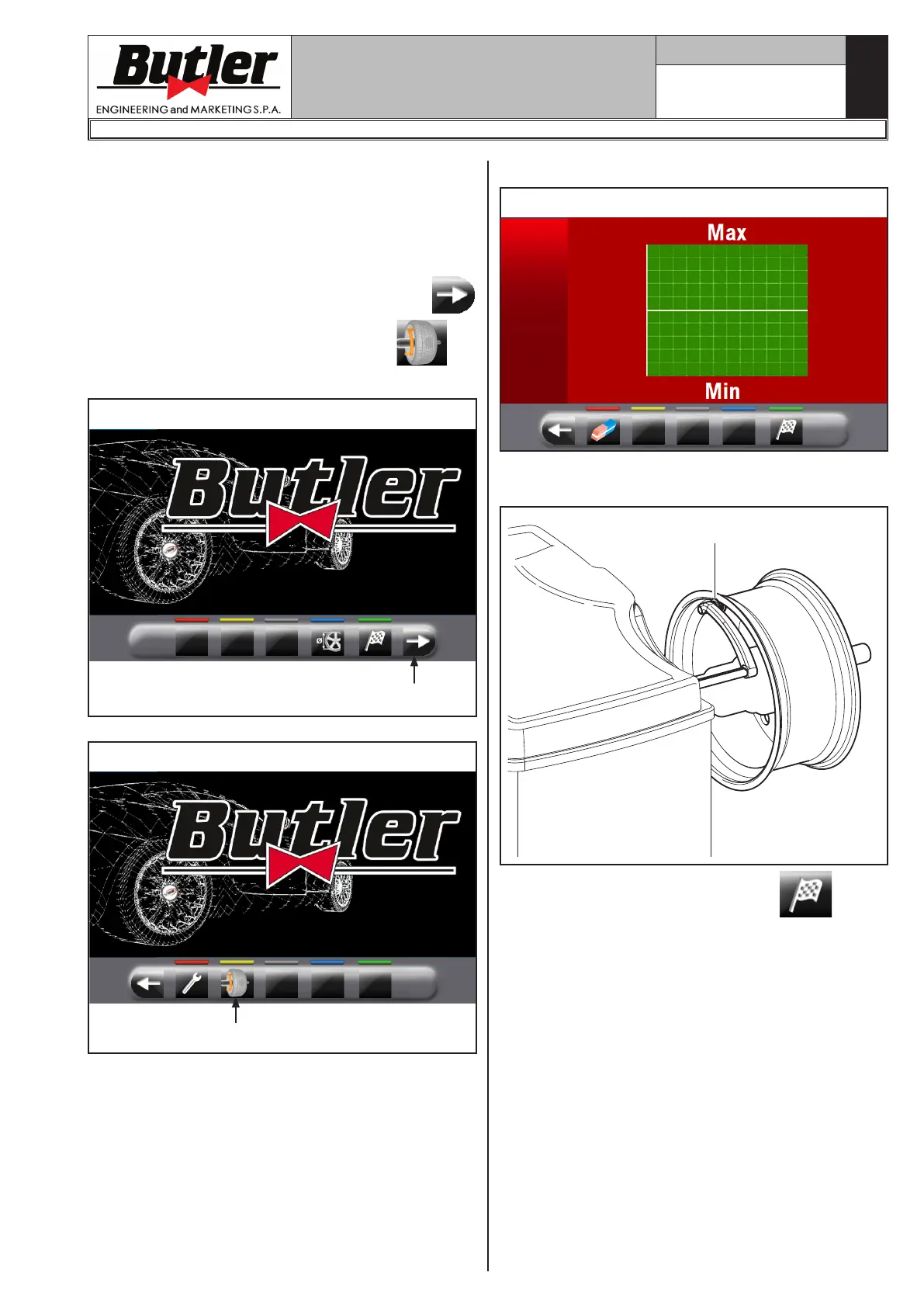
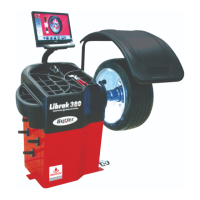
To access the screen to choose the rim control mode,
proceed as follows:
- from the "Home" page, press the button
(Fig. 24 re. 1) and then the button
(see
Fig. 25 ref. 1).
Fig. 24
1
Fig. 25
1


 To Next Page