Page 46 of 61
INSTRUCTION, USE AND
MAINTENANCE MANUAL
EN
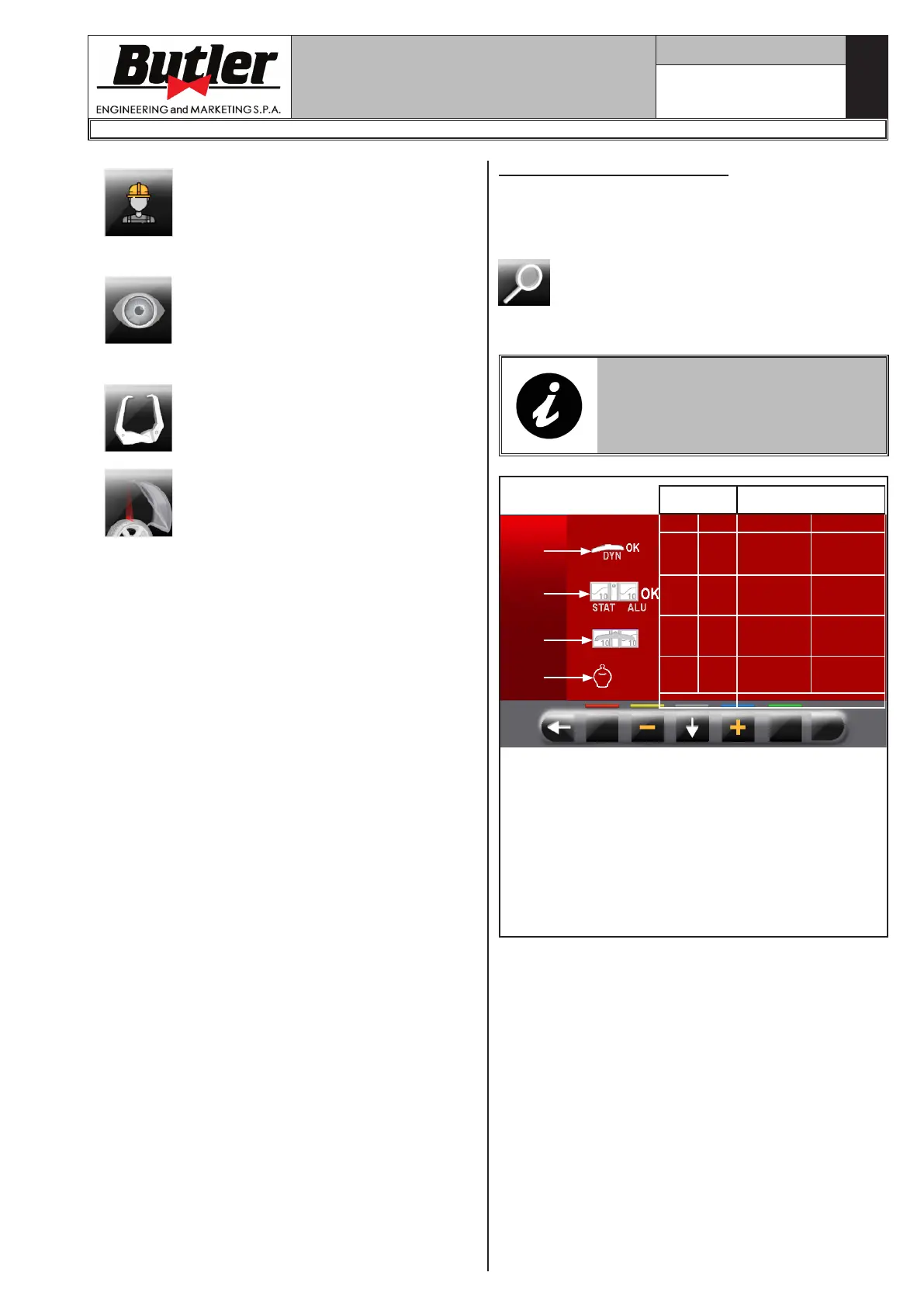
Enable/disable user function.
It allows the setting of the retrieval
of the measures by eye: readout of
measures printed on the rim and
the graduated scale of the distance-
diameter caliper.
NOTE: it is activated only if distance-
diameter caliper is disabled.
Enable/disable the use of the manual
caliper to measure rim width.
NOTE: it is activated only if distance-
diameter caliper is disabled.
Enable/disable the function of clip
weights positioning laser wheel inner/
outer side “at 12 hours”.
14.1.1 Lower weight limit
Correction weight below a certain limit is normally
shown equal to zero. This limit can be set from 10 g
to 1 g (from 0.5 oz to 0.05 oz).
At the end of the spin however, by pressing the button
, the weight can be displayed with maximum
resolution of 1 g (0.05 oz), not considering the set
lower limit.
LOWER LIMIT FACTORY SETTING
FOR DYNAMIC WHEEL BALANC-
ING MODE IS 5 g (0.25 oz). THE
LOWER LIMIT FOR ALL THE OTH-
ER MODES IS SET AT 7 g (0.35 oz).
1
2
3
4
Default
values
Work range
g oz g oz
5 0.25 2 ÷ 50 0.05 ÷2.00
7 0.35 2 ÷ 50 0.05 ÷2.00
5 0.25 2 ÷ 50 0.05 ÷2.00
100 100
0 - 50 - 100
150 - 200
0 - 50 - 100
150 - 200
% %
KEY
1 – Lower weight limit in the DYNAMIC program
to display "OK" (default value 5 g (0.25 oz))
2 – Lower weight limit in the ALU-STATIC program
to display "OK" (default value 7 g (0.35 oz))
2 – Weights display resolution (default value 5 g
(0.25 oz))
4 – Weight % reduction in ECO-WEIGHT function
(0 ÷ 200) (default value 100)
1296-M024-01
LIBRAK350 - LIBRAK350PRO


 To Next Page