INSTRUCTION, USE AND
MAINTENANCE MANUAL
Page 37 of 61
EN
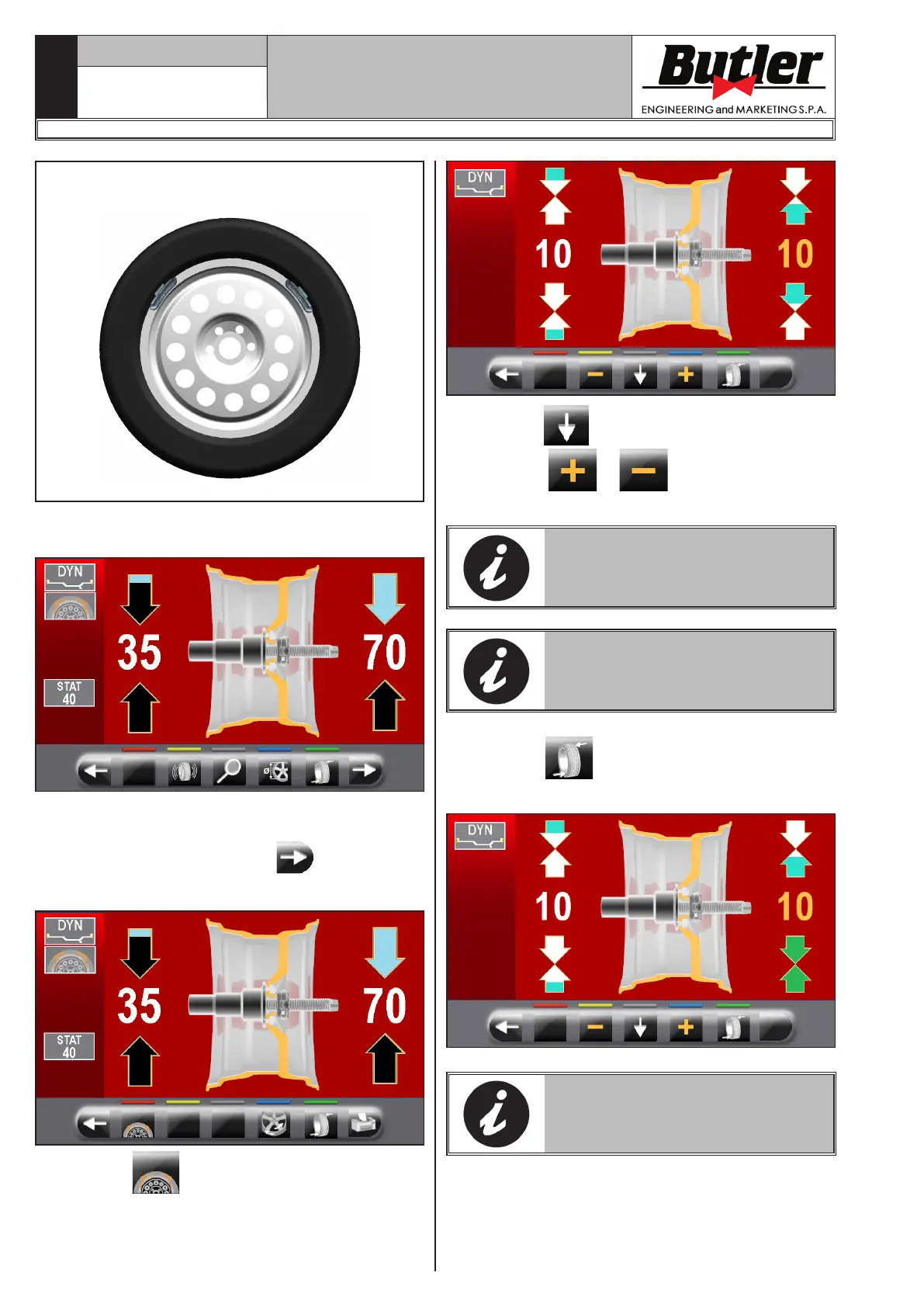
TWO SMALLER WEIGHTS (55g) (1.94 oz)
USING SPLIT PROCEDURE
Proceed to “DYNAMIC” unbalance measurement dis-
playing by performing a standard wheel spin.
Once detected the unbalance values, verify that the
machine displays the ability to use the "SPLIT" option
(Fig. 30 ref. 4a). Press button
to shift to the
next screen page.
Press button to enter “SPLIT” function.
On the monitor screen will be displayed where you
must enter the value of the weights to be fitted.
Press button to select the outer weight to edit.
Press buttons
or to increase or decrease
the total weight to be fitted.
THE YELLOW VALUE INDICATES
WHICH VALUE IS ACTIVE AND YOU
ARE EDITING.
THE HIGHER THE CHOSEN
WEIGHTS VALUE IS, THE MORE
THEY WILL BE SPACED.
After choosing the value of the weights to be fitted,
press button
to position the wheel for the ap-
plication of the 1st clip weight.
THE TWO GREEN ARROWS INDI-
CATE THAT THE WHEEL IS PROP-
ERLY POSITIONED FOR THE AP-
PLICATION OF THE 1ST WEIGHT.
LIBRAK350 - LIBRAK350PRO
1296-M024-01


 To Next Page