10
EN
3.4 Installation and operation of the BWT
RO app
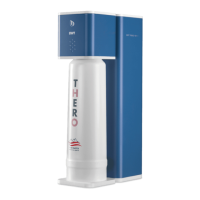
Observe: The BWT THERO 90PRO app
is only available for the BWT THERO
90PRO.
BWT THERO 90PRO (basic version)
does not contain any app control.
3.4.1 Installation of the app
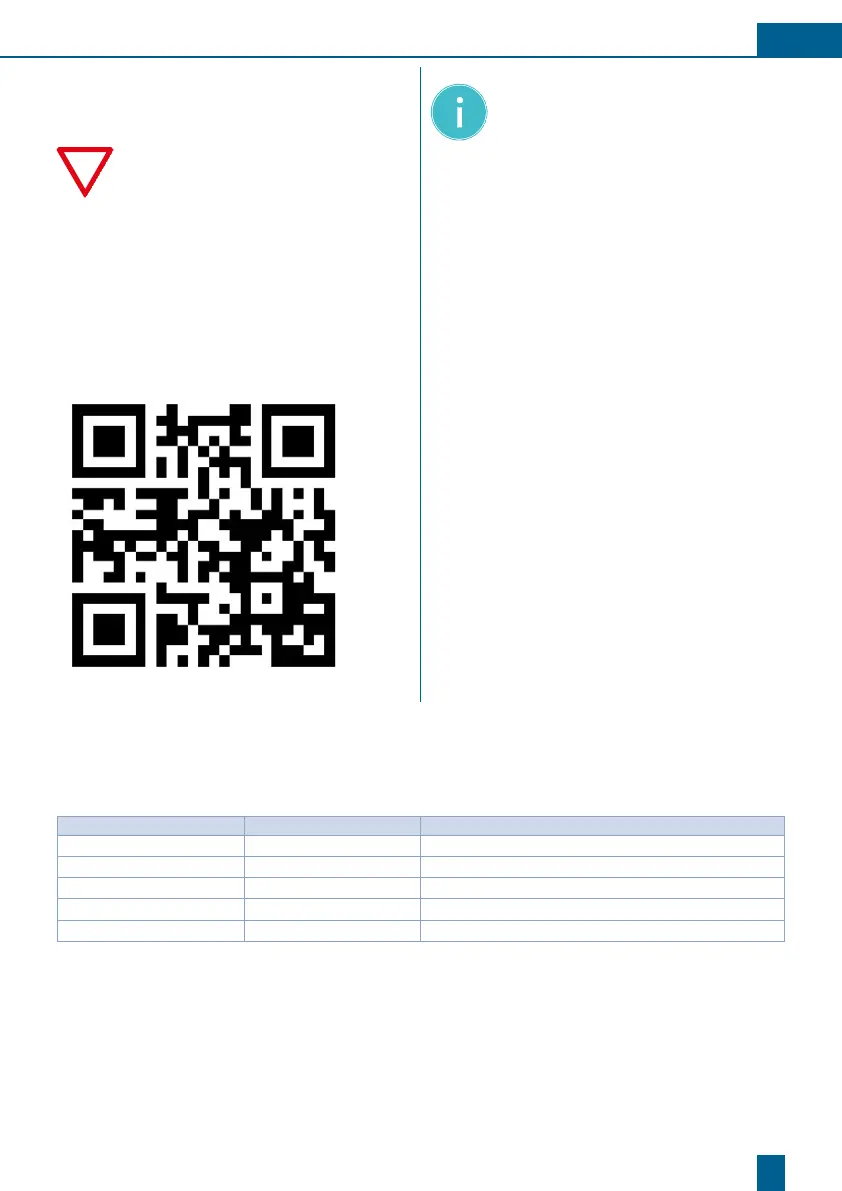
If the BWT RO app is not yet installed on your
mobile phone, please scan the QR code below.
This will take you to the website where you
can download the app. The app can also be
downloaded under the following internet ad-
dress: www.bwt-wam.com
NOTE: Ensure that Bluetooth is activa-
ted on your end device.
When installing the app for the first
time on an iOS end device, download
the app and proceed as follows to
activate it: Settings / General / Device
Management / BWT Aktiengesellschaft
/ Trust BWT Aktiengesellschaft
The app is a purely offline application.
No data is transmitted to BWT.
3.4.2 Operating the app
You will find the operating instructions for the
BWT RO app attached (Appendix).
4 Troubleshooting
4.1 Overview of the status and alert LED
Status: LED Farbe: Gerätezustand:
working
green light RO device in production
ready
green flashing light Device is on standby
connected to App
blue light Mobile device connected to RO via Bluetooth
Service
red light Service required (Chapter 5.5.4)
Fault
red light (constant or flashing) Error message displayed in app (Chapter 6.2)



 To Next Page