15
4.6 Present Sensor PS9
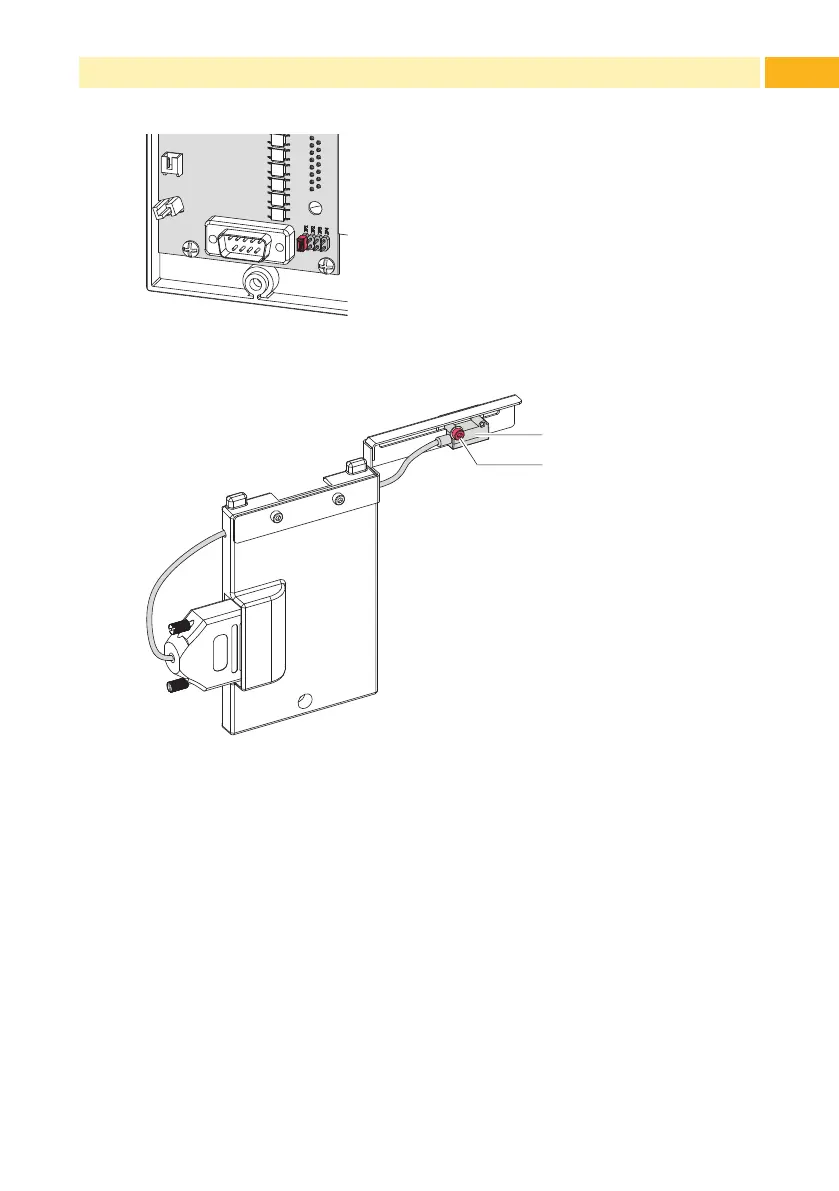
Figure 14 Jumper at position JP1
1
2
Adjusting the sensor:
Loosen screw (1).
Move the sensor (2) sidewards.
Tighten screw (1).
Figure 15 Adjusting the sensor
PS9 is immediately ready for use.
Send a print job.
Therstlabelwillbeprintedantransportedtothepeelposition.
Remove the label.
The next label will be printed an transported to the peel position.
4 Operation



 To Next Page