12 12
3 Menu
3.2 Navigating in the Menu
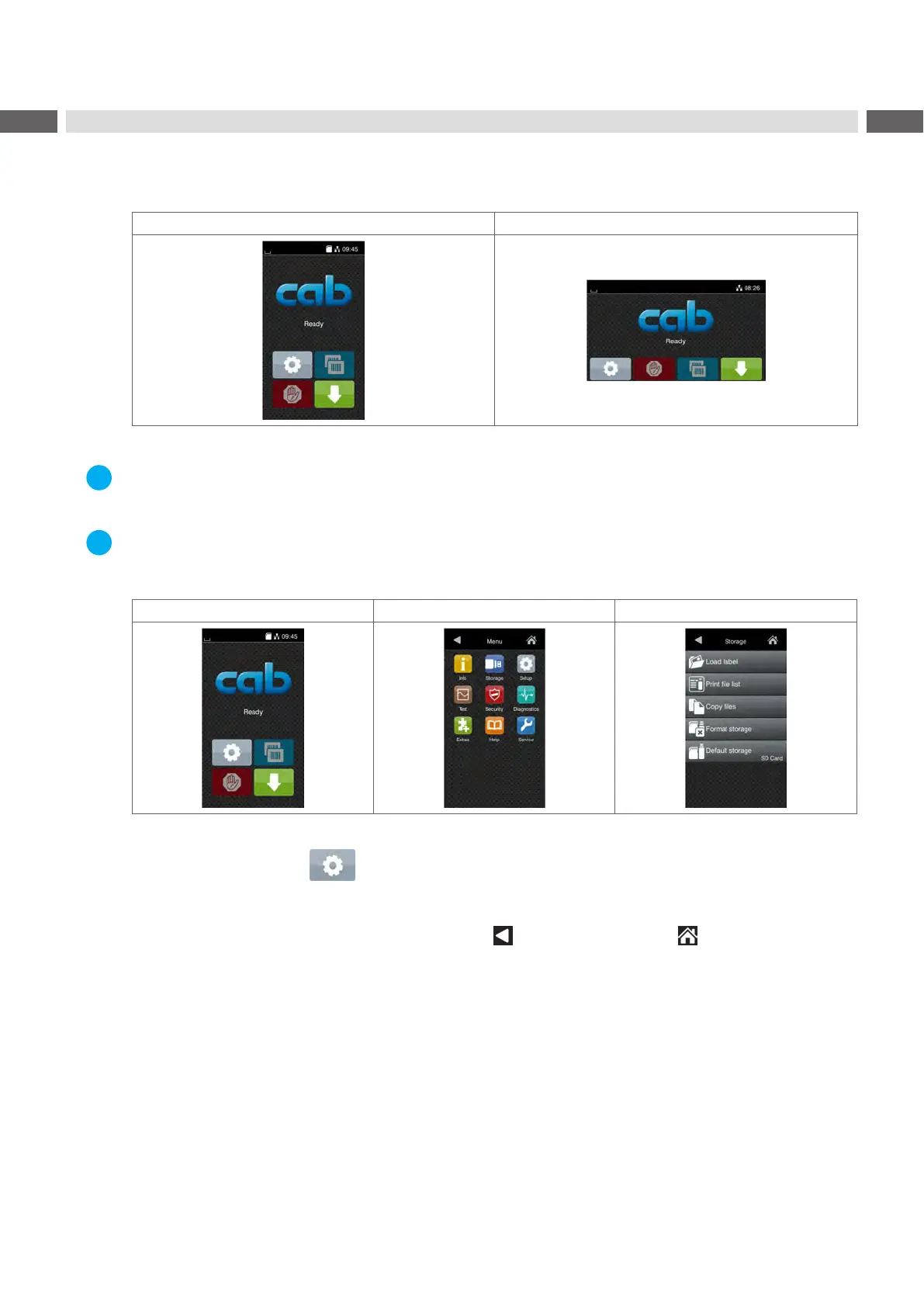
The orientation of the display contents is adapted to the orientation of the display in the typical operation position of
the printer.
Portrait Landscape
Figure 3 Orientation of the display contents
Note!
At printers with divers possible operation positions the orientation of the display contents can be turned in steps of
90 degree "6.1.12" on page 27.
Note!
In that manual all following screen shots are shown in the portrait orientation.
Start level Selection level Parameter/function level
Figure 4 Menu levels
To open the menu select on the start screen.
Select a theme in the selection level.
Several themes have substructures again with selection levels.
To return from the current level to the upper one select
. To leave the menu select .
Continue the selection until the parameter/function level is reached.



 To Next Page