33
6.2.4 Notications Tab
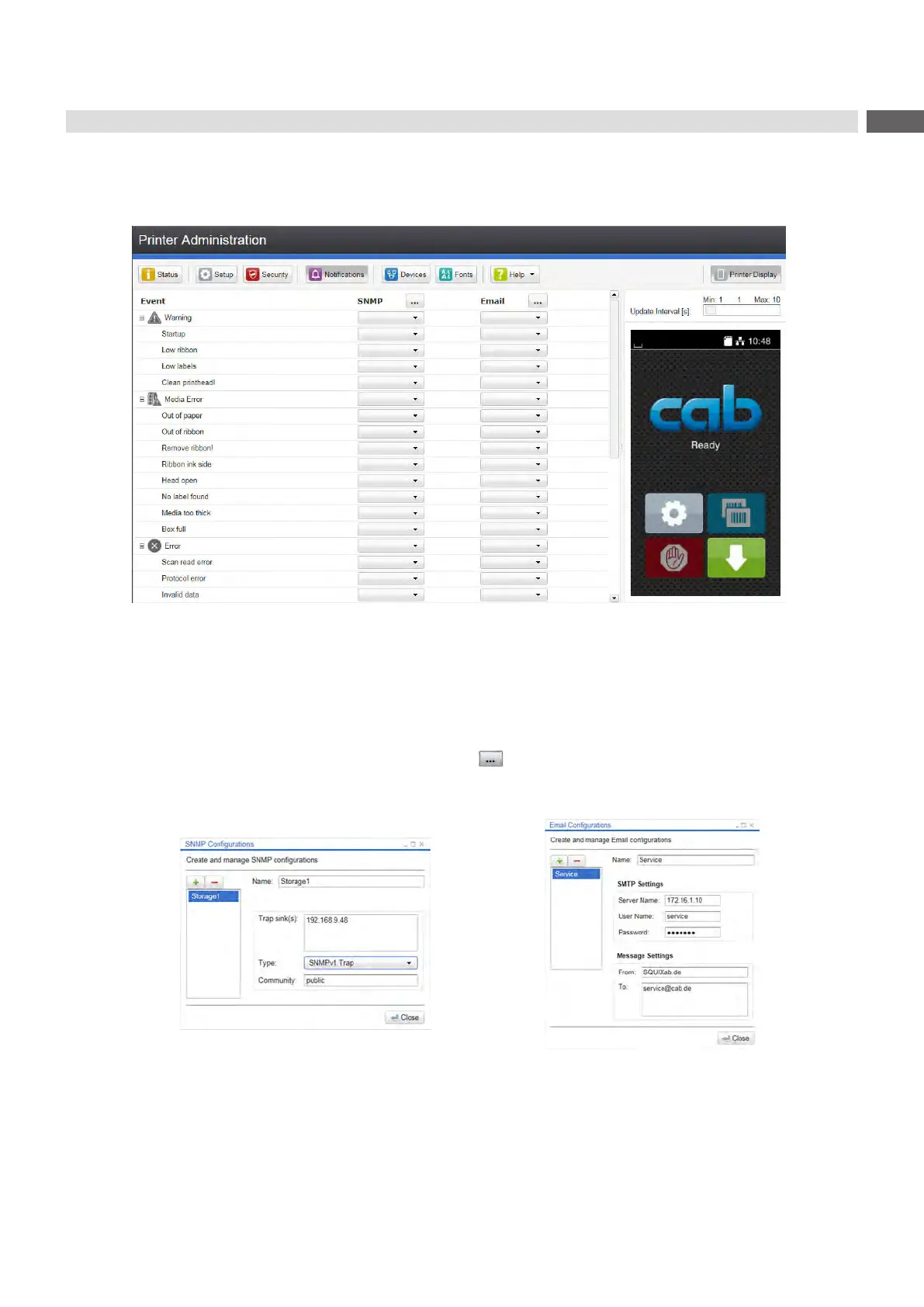
The"Notications"taballowstosendstatusanderrormessagesautomaticallytoaSNMPmanagerorviae-mailto
selected addresses via the Ethernet interface or WiFi.
Figure 11 "Notications"tabontheprinterwebinterface
To change settings:
1. If necessary expand the tree structure.
2. Locate and click the message in the tree structure.
3. Select management station or e-mail address.
4. If the selection at SNMP or e-mail is empty, click the buttonnexttotheconcerningtitleanddenetheSNMP
sinks or e-mail addresses.
Figure 12 DialogboxesforSNMPande-mailconguration
6 Conguration



 To Next Page