32 32
6 Conguration
6.2.3 Security Tab
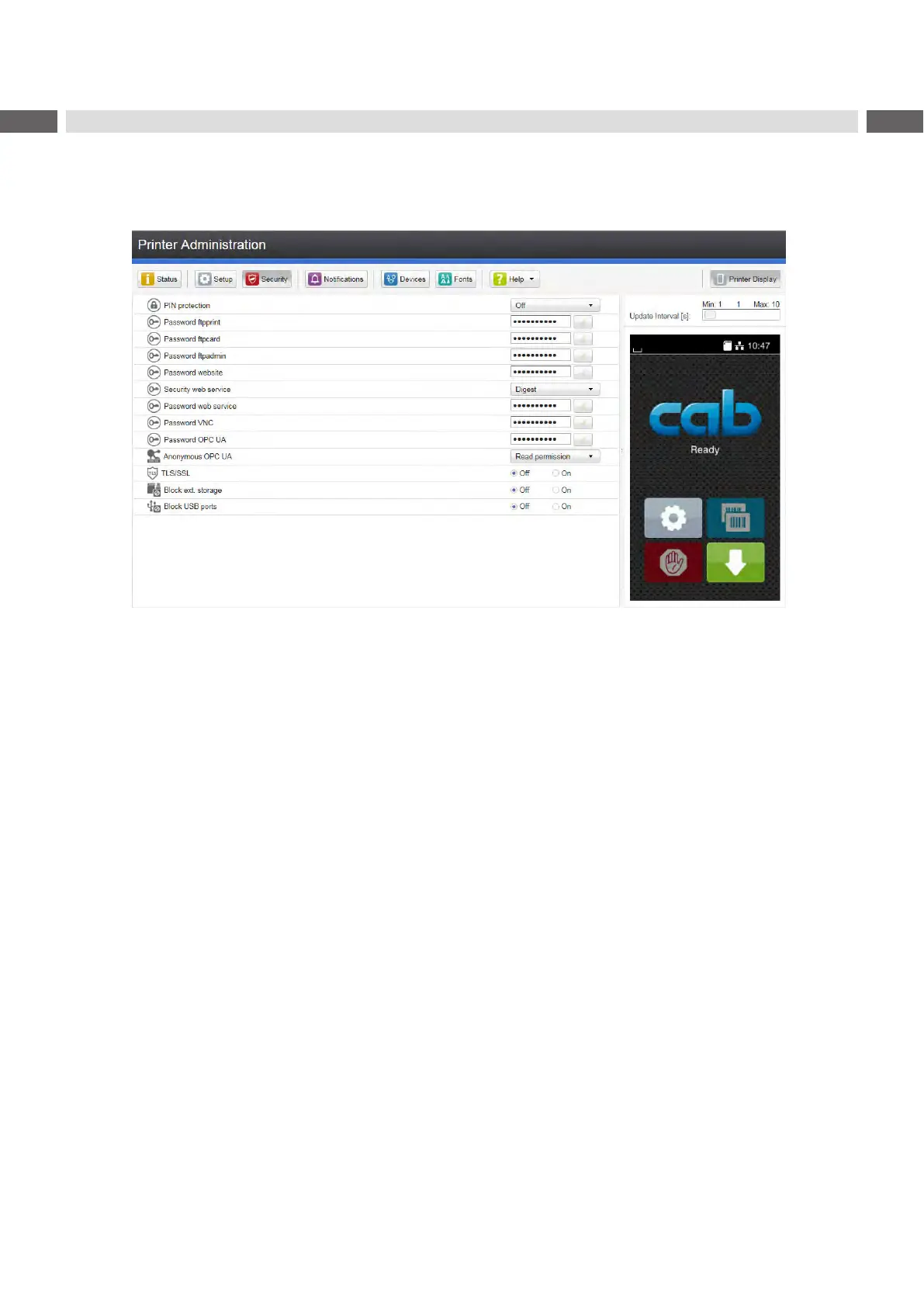
On the "Security" tab the access rights for several printer function can be set.
The tab contains the same parameters as the Security menu of the Setup page 16.
Figure 10 "Security" tab on the printer web interface
To change a parameter:
1. Locate parameter in the tree structure.
2. Set the value of the parameter at the right end of the concerning line.
A prompt to enter user name and password appears page 16.
3. Enter user name and password and click OK.



 To Next Page