28 28
from SN 120133
3
1
2
6
4
5
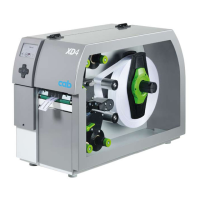
Fig. 26 Adjusting the belt tension (from SN 120133)
1. Unplug the printer from the electrical outlet.
2. Remove the cover 2.2 on page 6.
3. For adjusting the ribbon rewinder drive belt (3) :
• Loosen screws (1).
• Push the tension bracket (2) in such a way that the belt (3) is tensioned tightly.
• Tighten screws (1).
4. For adjusting the print roller drive belt (4) :
• Loosen screws (6).
• Push the stepper motor (5) in a position that the belt (4) is tensioned tightly.
• Tighten screws (6).
5. Install the rear cover.
5 Adjustments


 To Next Page
 Loading...