Using the Simulator
8
CAEEndoVR
PN: 165K400000
Power On the Simulator
Before starting the software, ensure that the simulator is powered on. In the case that the simulator
is not powered on, follow the instructions below.
To power on the simulator:
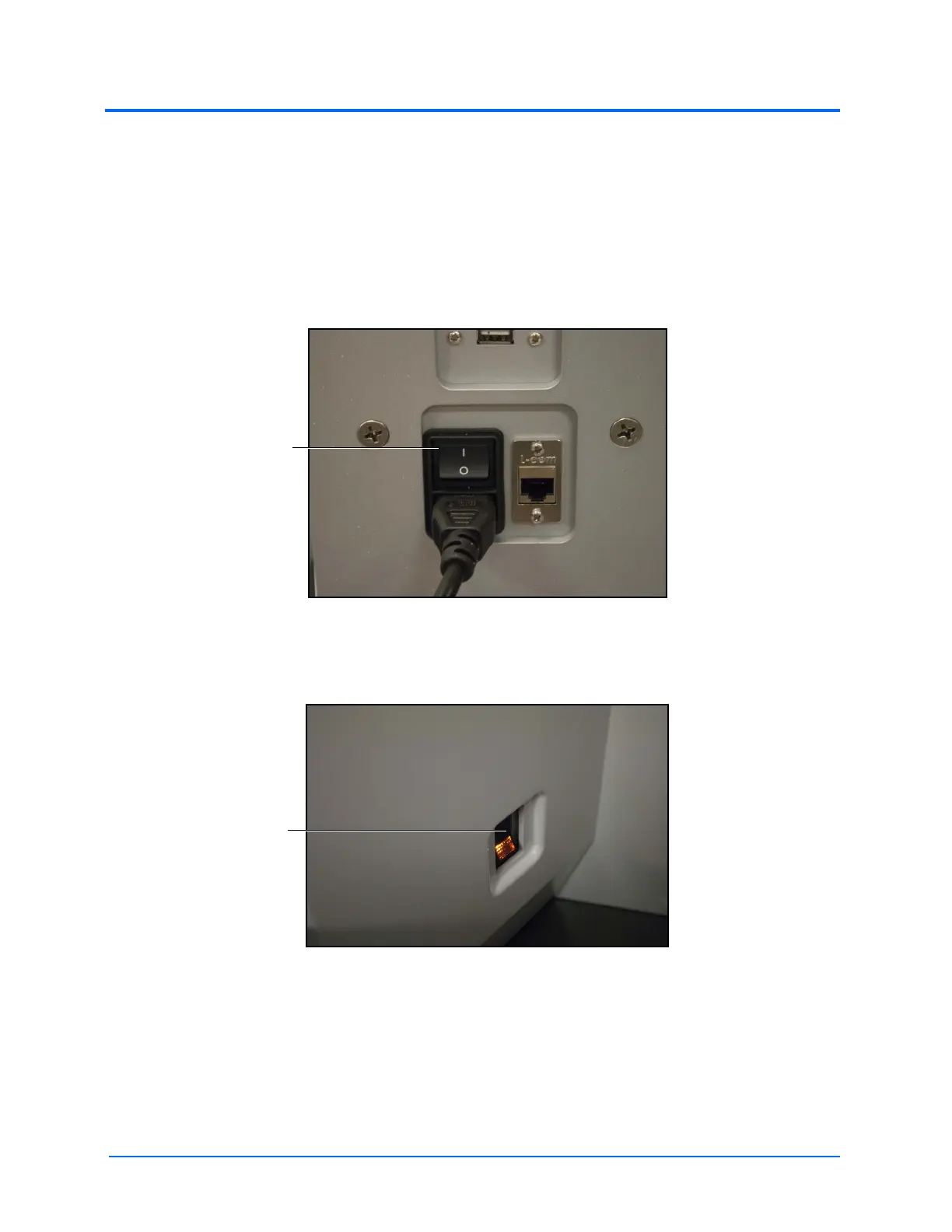
a. Ensure the top of the master power button, located on the back of the simulator, is
pressed in
The Master Power Switch
b. Press the top part of the orange power switch located on the back right side of the
simulator
The Power Switch Illuminated
The switch illuminates when the simulator is powered on.
The top of the
master power
switch
The top of the
orange power
switch



 To Next Page