Starting an ESD Simulation
67
PN:165K400000
Left LCD Touchscreen Monitor
The Left Screen Simulation Configuration
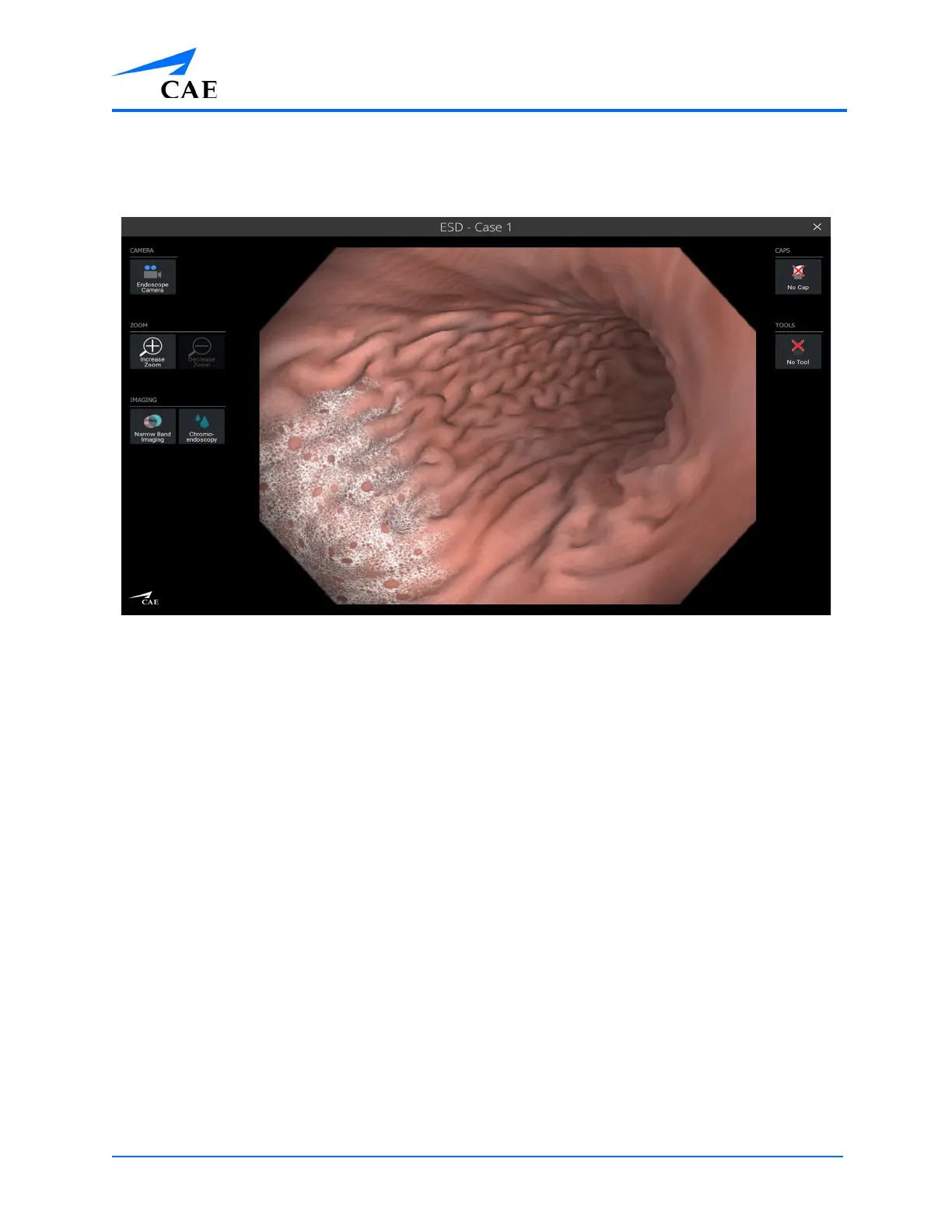
The left LCD touchscreen monitor displays different views depending on the selected camera mode.
The left LCD touchscreen monitor has three menus along the left side of the screen: depending on
the camera mode selected.
• CAMERA
• ZOOM
• IMAGING
The left LCD touchscreen monitor has two menus along the right side of the screen:
• CAPS
• TOOLS



 To Next Page