Using the Simulator
45
PN:165K400000
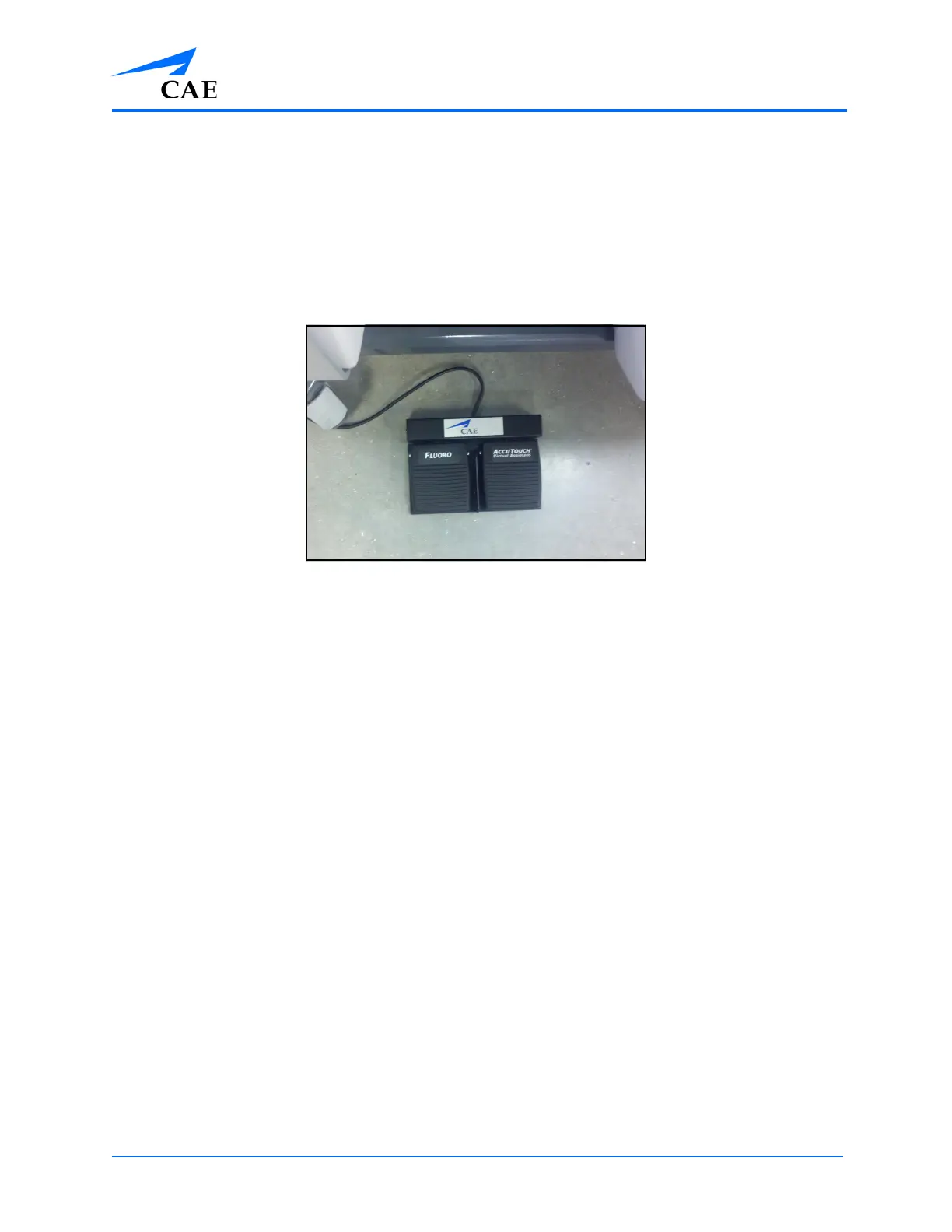
Using the Pedals
The pedals provide energy for electro-cautery instruments and are only available for use in certain
modules.
To use the pedals:
1. Remove the pedals from the storage tray located underneath the simulator
2. Place the pedals directly in front of the simulator
The Simulation Pedals
3. Select the desired procedure, review the didactic content and click Start Simulation to
start the simulation
4. Press down on the foot pedal gradually to power the selected instrument during the
simulation
Note: During the ERCP Module, the left pedal allows learners to access the fluroscopic
view of the simulation.



 To Next Page