Using the Simulator
44
CAEEndoVR
PN: 165K400000
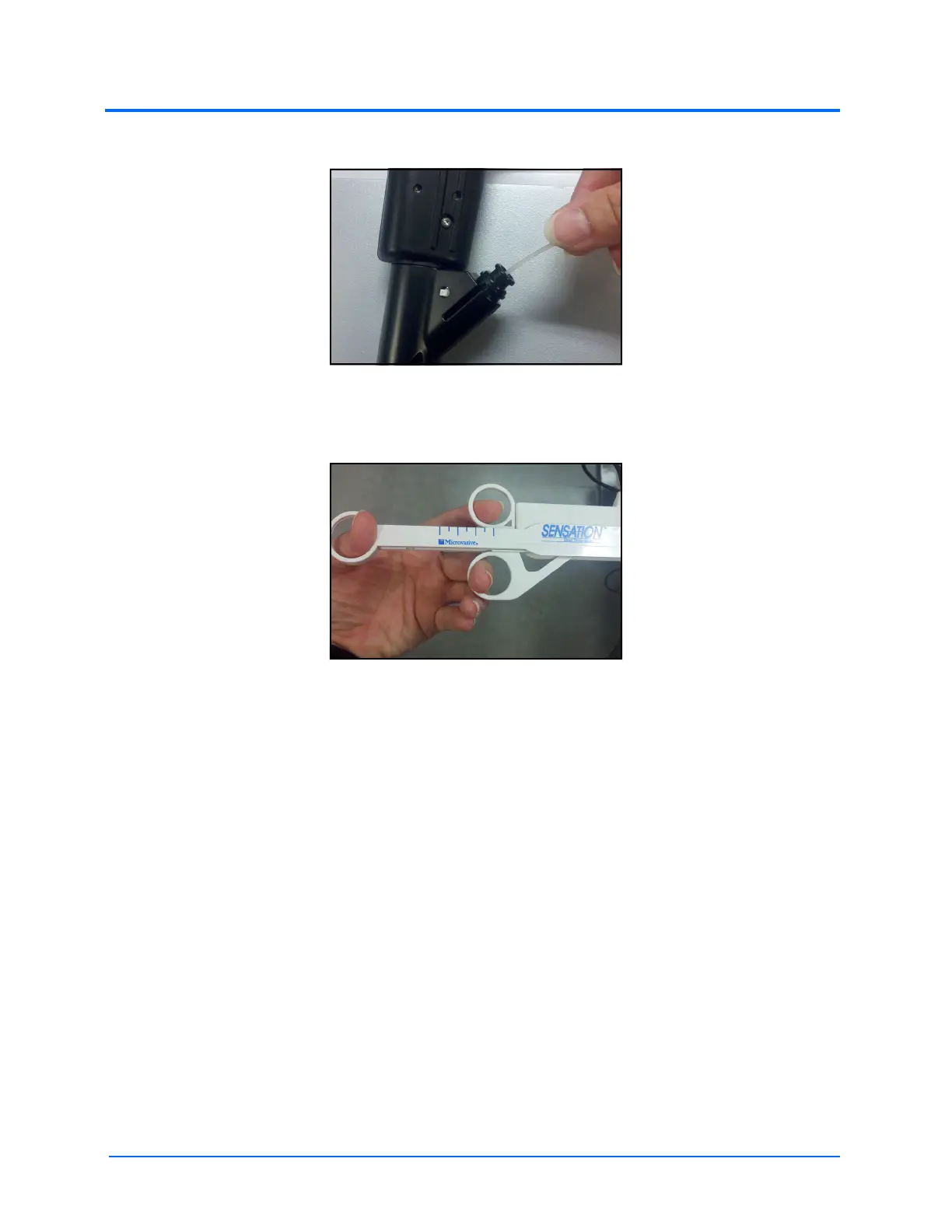
3. Insert the plastic filament from the accessory tool into the working channel of the scope
The Insertion of the Accessory Tool Filament
4. Pull the single finger loop away to deploy the selected tool. This position is known as the
deployed (open) position
The Accessory Tool in the Deployed Position
Note: If an accessory tool is unavailable, learners may use the virtual substitutes in the software.
Click the Close < button or use the left arrow key on the keyboard to retract the tool. Click the Open >
button on the simulation screen or use the right arrow key on the keyboard to insert the tool. Always
retract the tool before insertion.



 To Next Page