Using the Simulator
29
PN:165K400000
Changing User Parameters
Every task available on the simulator contains parameters for determining if the learner performed a
procedure successfully. For some procedures, the administrator can provide users with the ability to
change certain parameters such as timeouts, bleeding, and virtual aids. However, some modules do
not contain any adjustable user parameters.
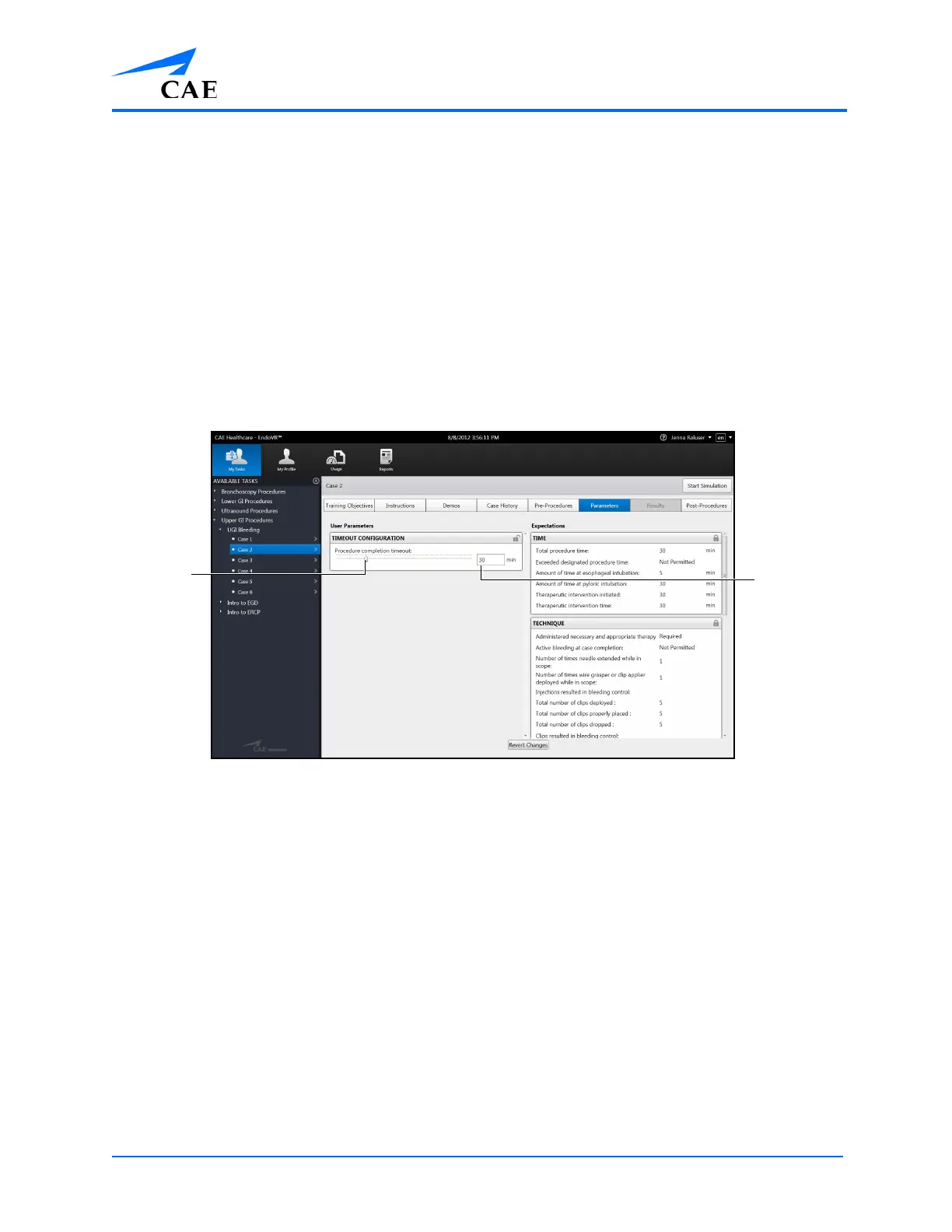
From the Parameters screen, learners can change the parameters prior to beginning a simulation.
After the simulation is complete, the parameters return to their default values.
Note: Only unlocked user parameters can be adjusted by the user.
To change user parameters:
1. Select a task and click the Parameters tab
The Parameters Screen
2. Use the slider to adjust the parameter to the desired value
The
Paramete
r slider
The
Parameter
value field



 To Next Page