Using the Simulator
36
CAEEndoVR
PN: 165K400000
Connect the Scope
When the chosen task requires a different scope from the scope that is currently connected, learners
can disconnect the current scope and connect the new scope.
Note: Do not disconnect scope during a running simulation.
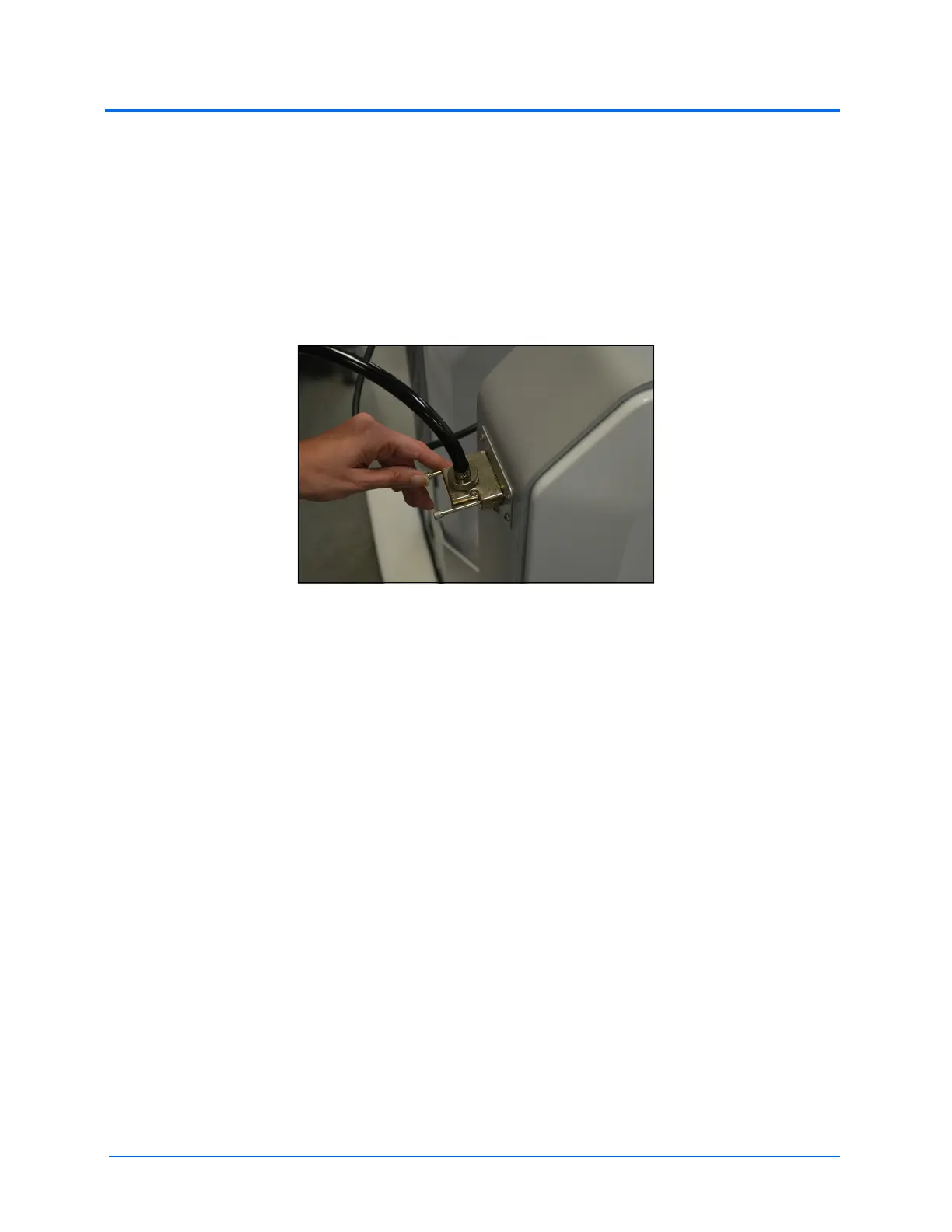
To disconnect a scope:
a. Twist the two fasteners on the scope connector counterclockwise
The Scope Connector and the Scope Port
b. Pull the connector away from the scope port



 To Next Page