Using the Simulator
39
PN:165K400000
Troubleshooting Guide
Selecting an Accessory Tool
Some tasks in the modules require the use of an accessory such as a snare or needle to assist the
learner during a procedure.
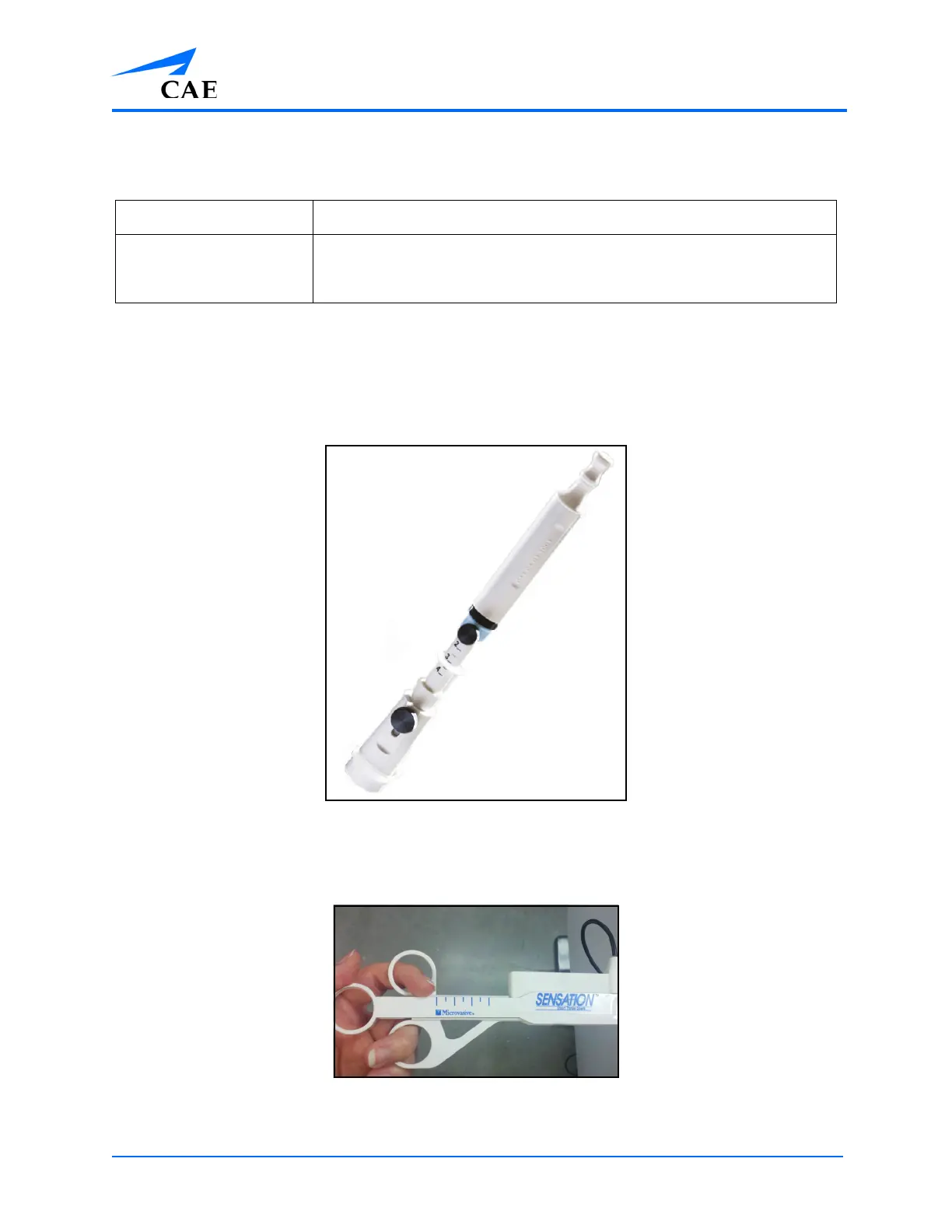
The EBUS-TBNA accessory tool is a single hardware component that is used with the bronchoscope to
simulate several different tools and functions during EBUS-TBNA module tasks in the software.
The EBUS-TBNA Accessory Tool
The Upper GI/Lower GI accessory tool is a single hardware component that is used with the
endoscope to simulate several different tools and functions during Upper GI and Lower GI module
tasks in the software.
The Upper GI/Lower Accessory Tool
Table 1:
Problem Resolution
The simulator is unable
to detect the endoscope
during simulation.
Select the Reset Endoscope button in the RESET menu on the right
screen and wait to be prompted to insert the scope a depth of 40 cm
in the simulator.



 To Next Page