Using the Simulator
54
CAEEndoVR
PN: 165K400000
Printing Data to a Network Printer
A network connection is required for printing to a network printer. Contact your administrator for
further assistance.
To print data to a network printer:
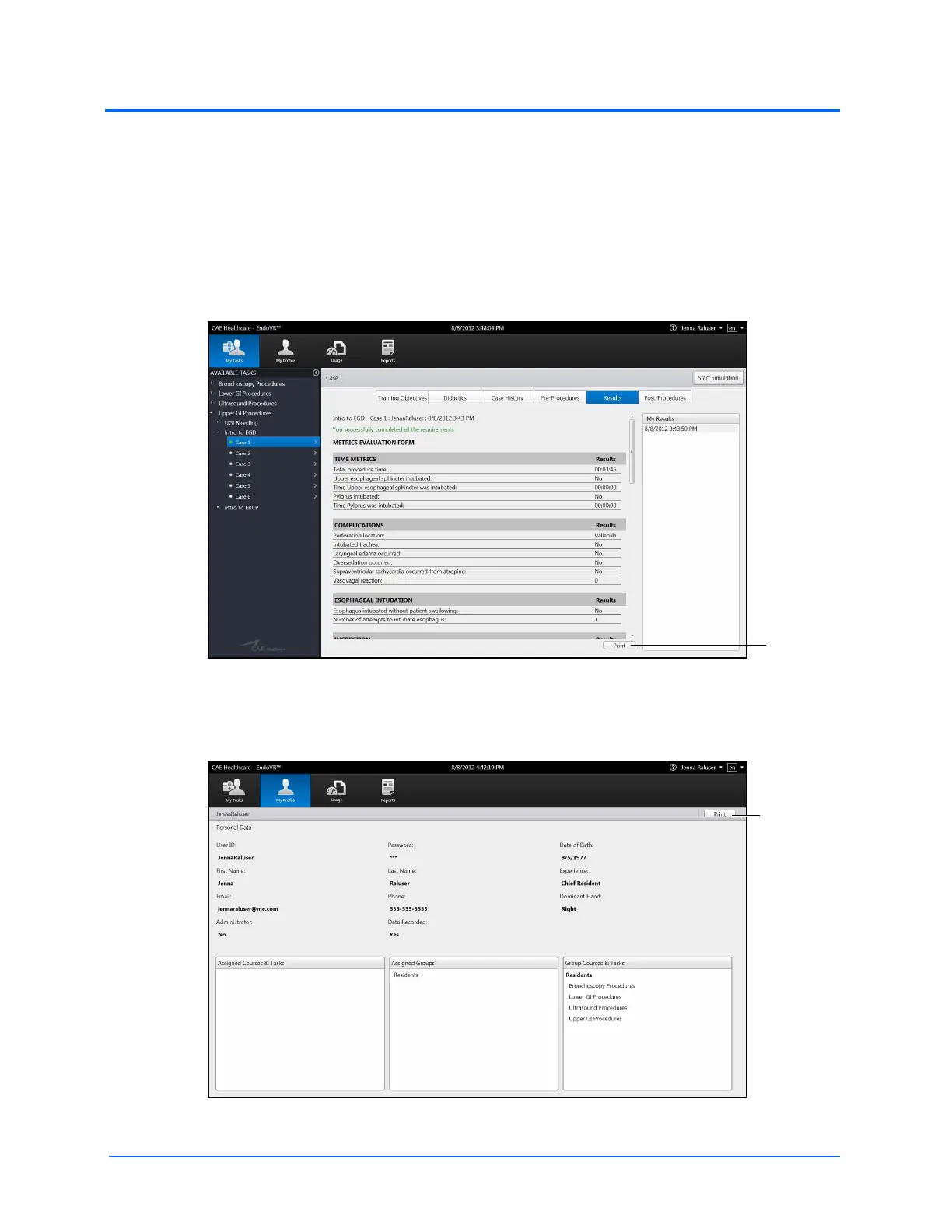
1. From the selected screen, click the Print button located near the bottom right corner of
the screen
The Results Screen
Note: The Print button on the Personal Data screen is located near the top right corner
of the screen.
The Personal Data Screen



 To Next Page