Using the Simulator
43
PN:165K400000
Using the Upper GI and Lower GI Accessory Tool
After the desired task is selected, the simulation started and the accessory tool is connected, the
Upper GI and Lower GI accessory tool is ready to be used.
To use the Upper GI and Lower GI accessory tool:
1. Ensure the finger loops of the handle are pressed together
The tool must be in the retracted (closed) position prior to using the tool.
The Accessory Tool in the Retracted Position
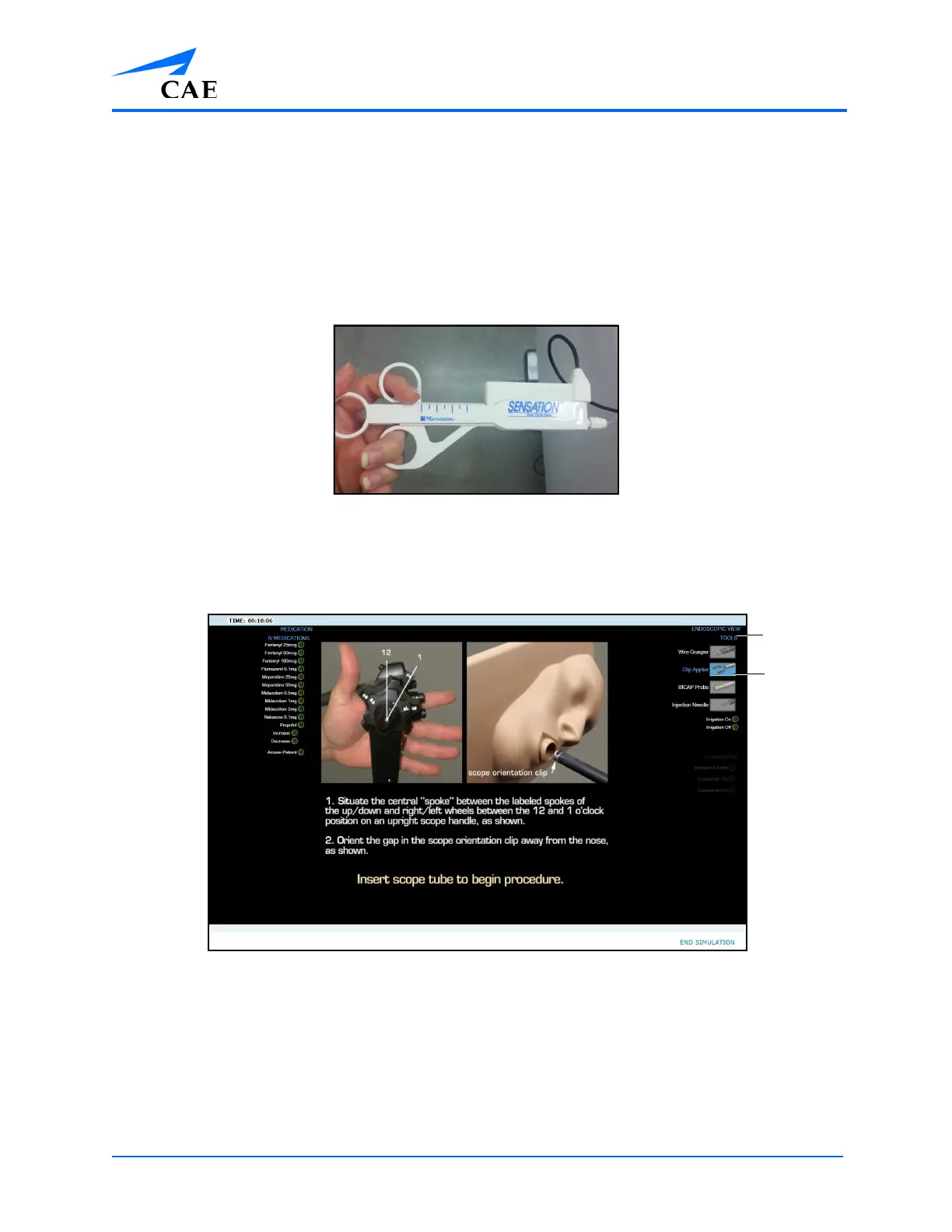
2. From the Tools menu, located on the left monitor during the UGI Bleeding module, select
the appropriate tool designation in the software. When the menu item is selected, the
menu item graphic and the menu item text appears blue.
The Left Monitor Simulation Screen
Note: The location of the tool selection options on the screen and the appearance of the
available tools will vary depending on the selected module.
The
selected
tool
The Tools
menu



 To Next Page