Using the Simulator
17
PN:165K400000
Reviewing the Didactic Content
Before beginning a simulation, users should review the didactic content for the selected procedure.
The didactic content contains information users need to know before and after performing a specific
procedure.
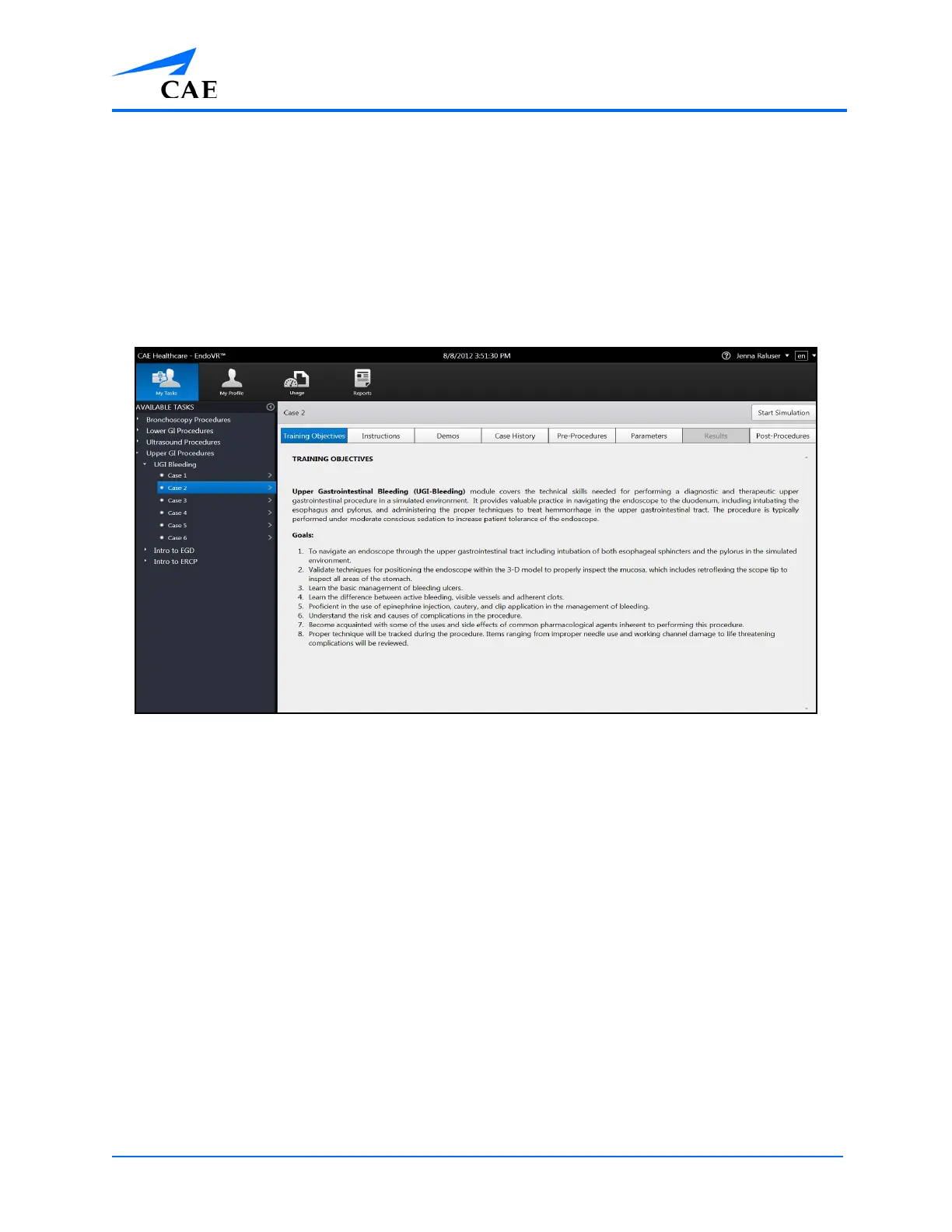
The didactic content for tasks may include Training Objectives, Didactics, Instructions, Case History,
Diagnostic Images, Pre-Procedures, Parameters and Post-Procedures. The Results screen is only
accessible after a task is completed. The content included in each module varies depending on the
procedure.
Didactic Content Screen for Upper GI Module
Note: Parameters can only be changed for specific tasks when the user parameters are unlocked by
an administrator.



 To Next Page