Using the Simulator
18
CAEEndoVR
PN: 165K400000
Training Objectives
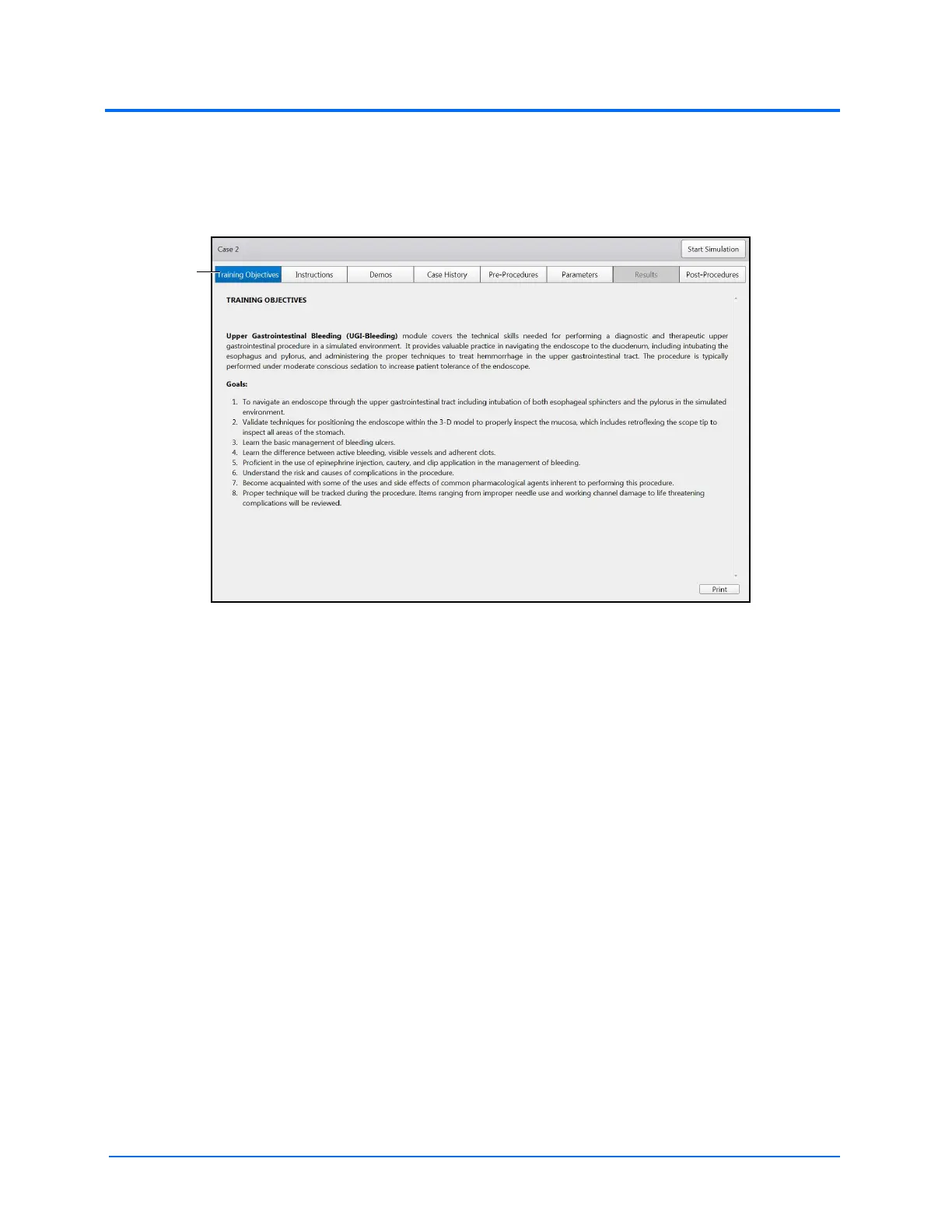
To access the Training Objectives screen, click the Training Objectives tab. When selected, the tab
appears blue and the Training Objectives screen appears.
The Training Objectives Screen
The Training Objectives screen outlines the training goals and objectives users meet upon successful
completion of the procedure.



 To Next Page