Using the Simulator
38
CAEEndoVR
PN: 165K400000
Using the Scope
After selecting and connecting the appropriate scope, the scope is ready to be used.
To use the scope on the simulator:
1. Turn the anatomy plate to the correct anatomical part for the procedure, if applicable
2. Stand to the left or directly in front of the EndoVR device (depending on the appropriate
orientation for the chosen procedure)
3. Select the desired task, review the didactic content and click Start Simulation to begin
the simulation
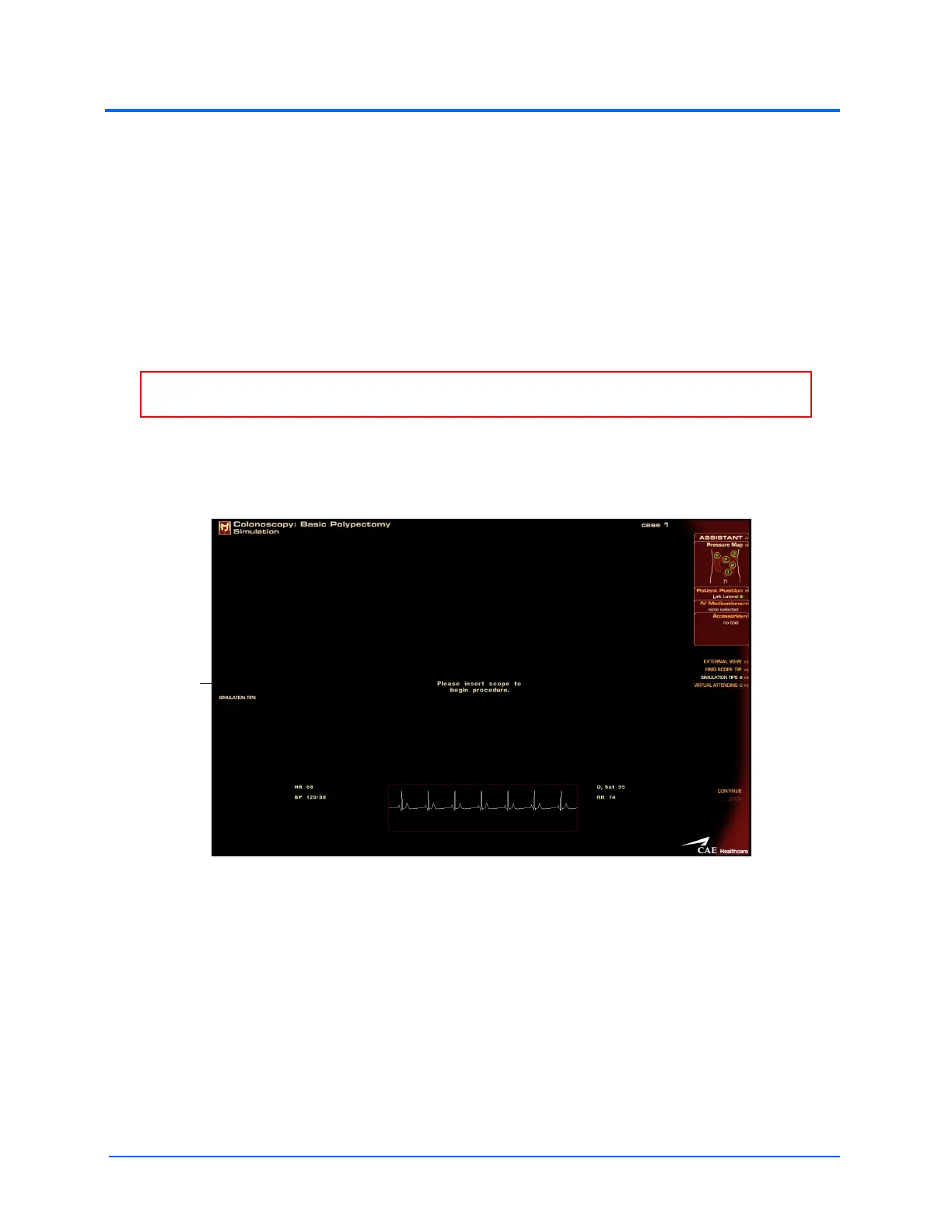
4. When the Please Insert Scope to Begin Procedure message appears on the Simulation
Screen, carefully insert the scope tube into the simulator
The Simulation Start Screen
5. Navigate the scope insertion by observing the insertion on the monitor and using the
appropriate controls on the scope
WARNING: DO NOT insert the scope tube until the insertion message appears on the
simulation screen.
The Please
Insert Scope
to Begin
Procedure
message



 To Next Page