Using the Simulator
37
PN:165K400000
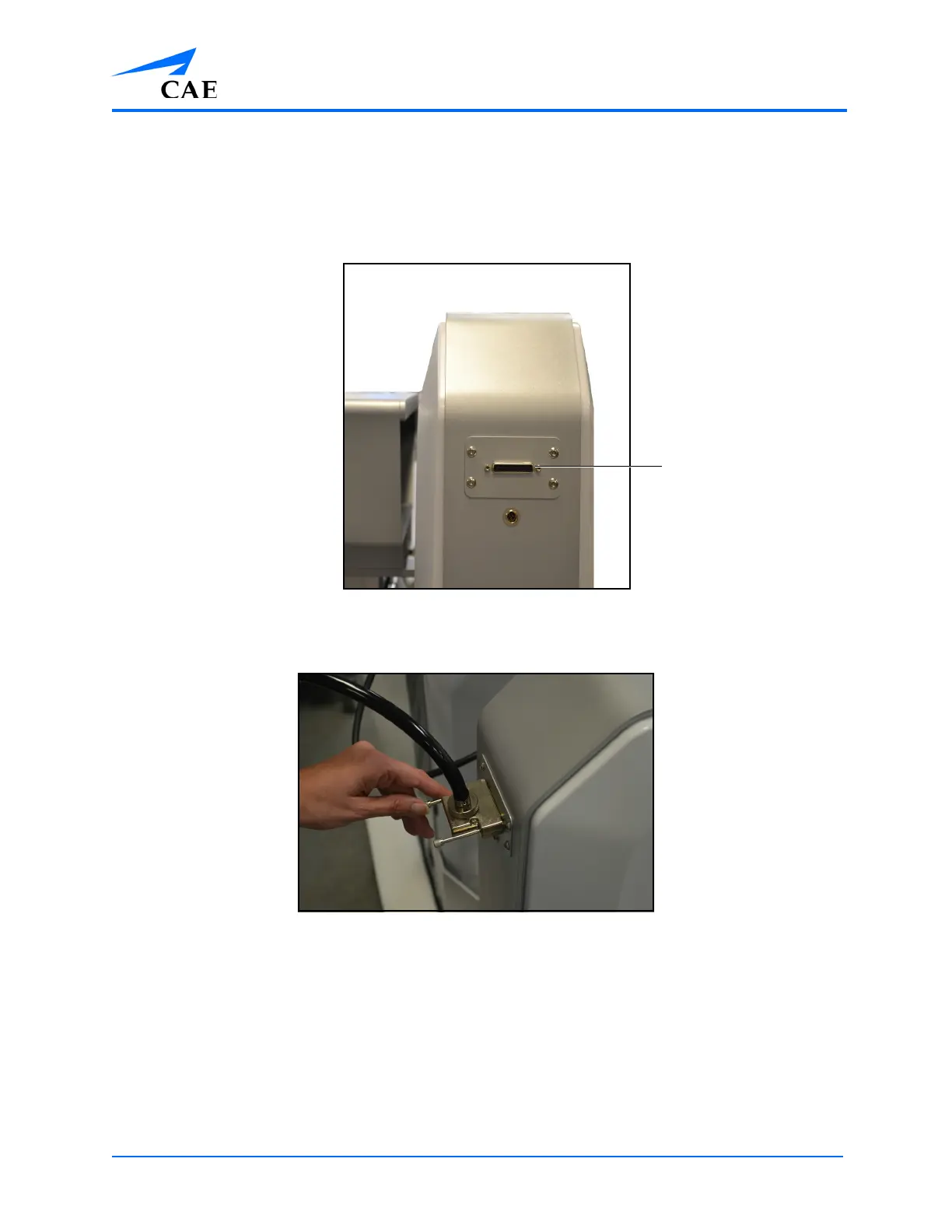
To connect a scope:
a. Choose the desired scope from the scope holder located on the back of the simulator
b. Align the prongs in the connector with the scope port located on the back left side of the
simulator
The Back of the Simulator
c. Press the connector into the scope port and twist the two fasteners clockwise
The Scope Connector and the Scope Port
The scope is connected to the simulator.
Note: Only one scope can be connected to the simulator at a time.



 To Next Page