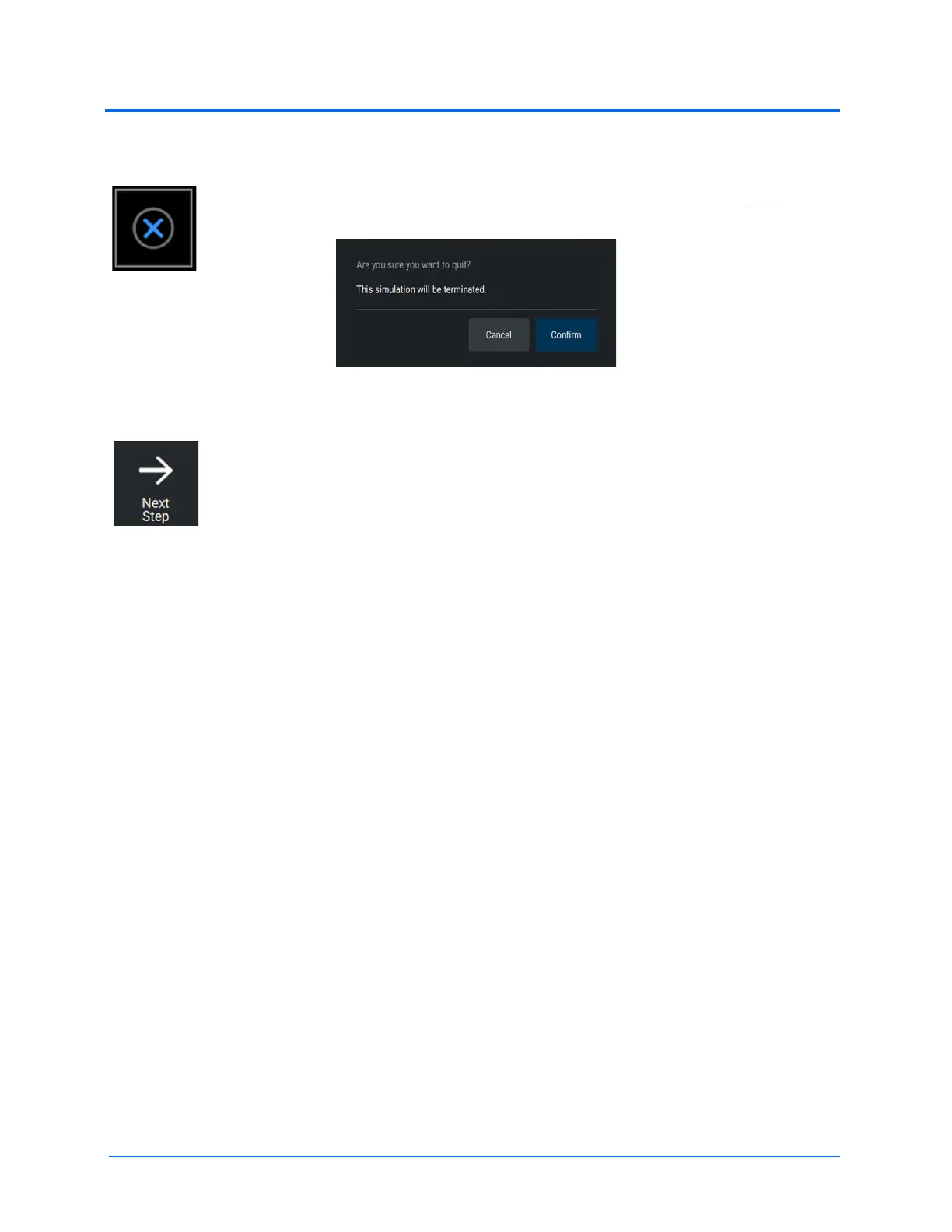
The End Procedure button displays the following warning message on the LEFT screen
before ending the simulation:
You can choose to either end the simulation by selecting ‘OK’ or continue the simulation
by selecting ‘Cancel’.
The Next Procedure Step button allows you to proceed to the next procedural step.
The name of the current procedural step will be displayed along the bottom of the right
screen along with any applicable instructions.
Note: You cannot return to a previous procedure steps. When you reach the last step,
the Next Procedure Step button will disappear.
Note: For the procedure step based metrics to make sense, it is important to indicate when
moving to the next procedure step.



 To Next Page