7
1002595 ISSUE 5 M172 VARIHEAT
1.3 TOUCHSCREEN USER INTERFACE
The Variheat is controlled by an integral controller wi a touchscreen user
interface. All e settings of e Variheat are available via e touchscreen.
If e screen is blank, touch once to activate.
Coloured buttons and parameters wi a white background can be modified,
except where locked by e User Security settings. Grey buttons and
parameters wi a grey background cannot be modified. (See page 20.)
Pressing e
+
button shows e second home screen. Pressing e home button returns to e first home screen.
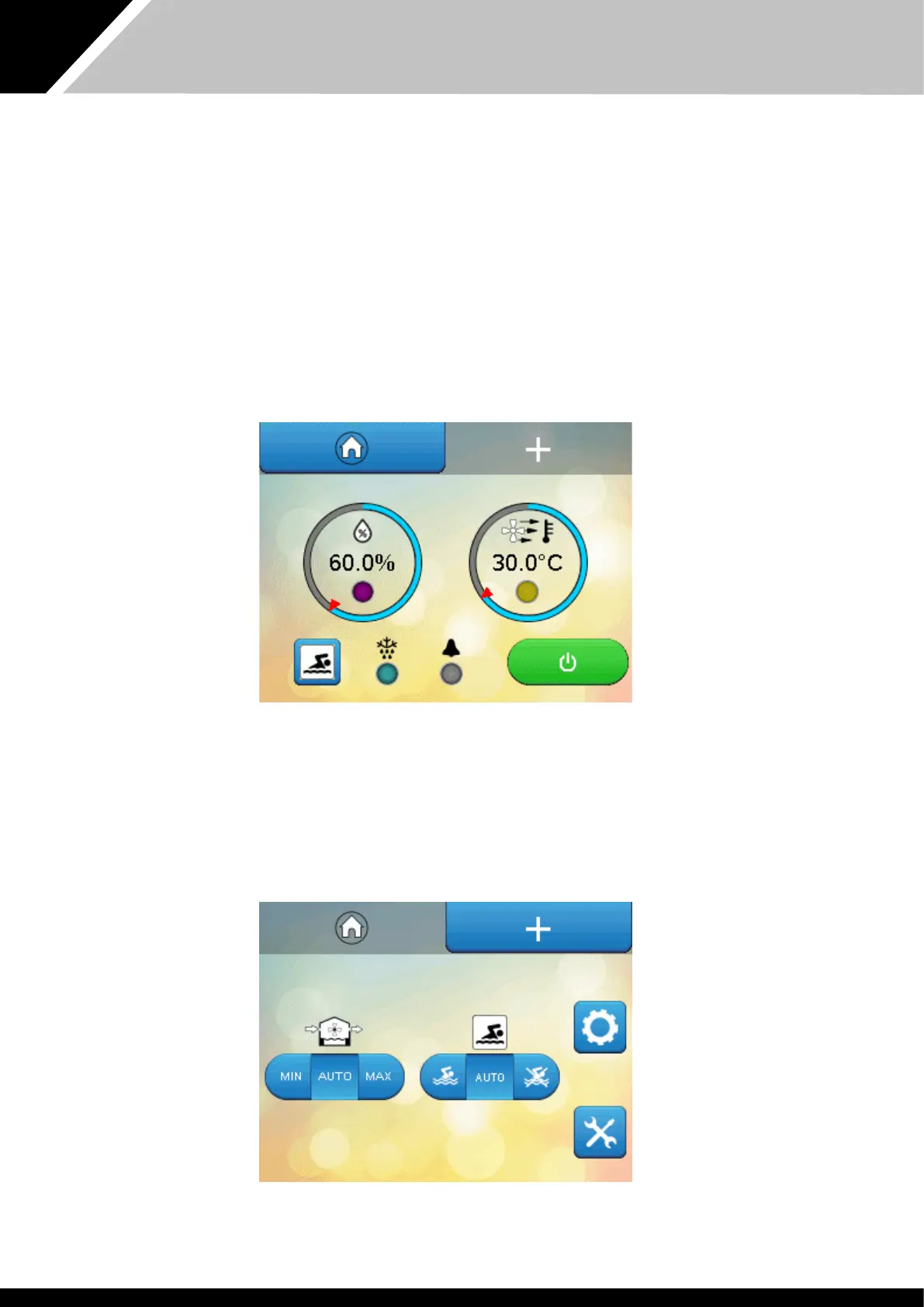
Home screens
These two screens display current operating conditions and main controls. Functions on e home screens can be modified if allowed by e User Security Mode
settings. (See page 20.)
First home screen
Second home screen


 To Next Page