30
1002595 ISSUE 5 M172 VARIHEAT
VARIHEAT AA SYSTEM OWNER INSTALLATION MANUAL
2.2 REMOTE ACCESS TO THE VARIHEAT TOUCHSCREEN
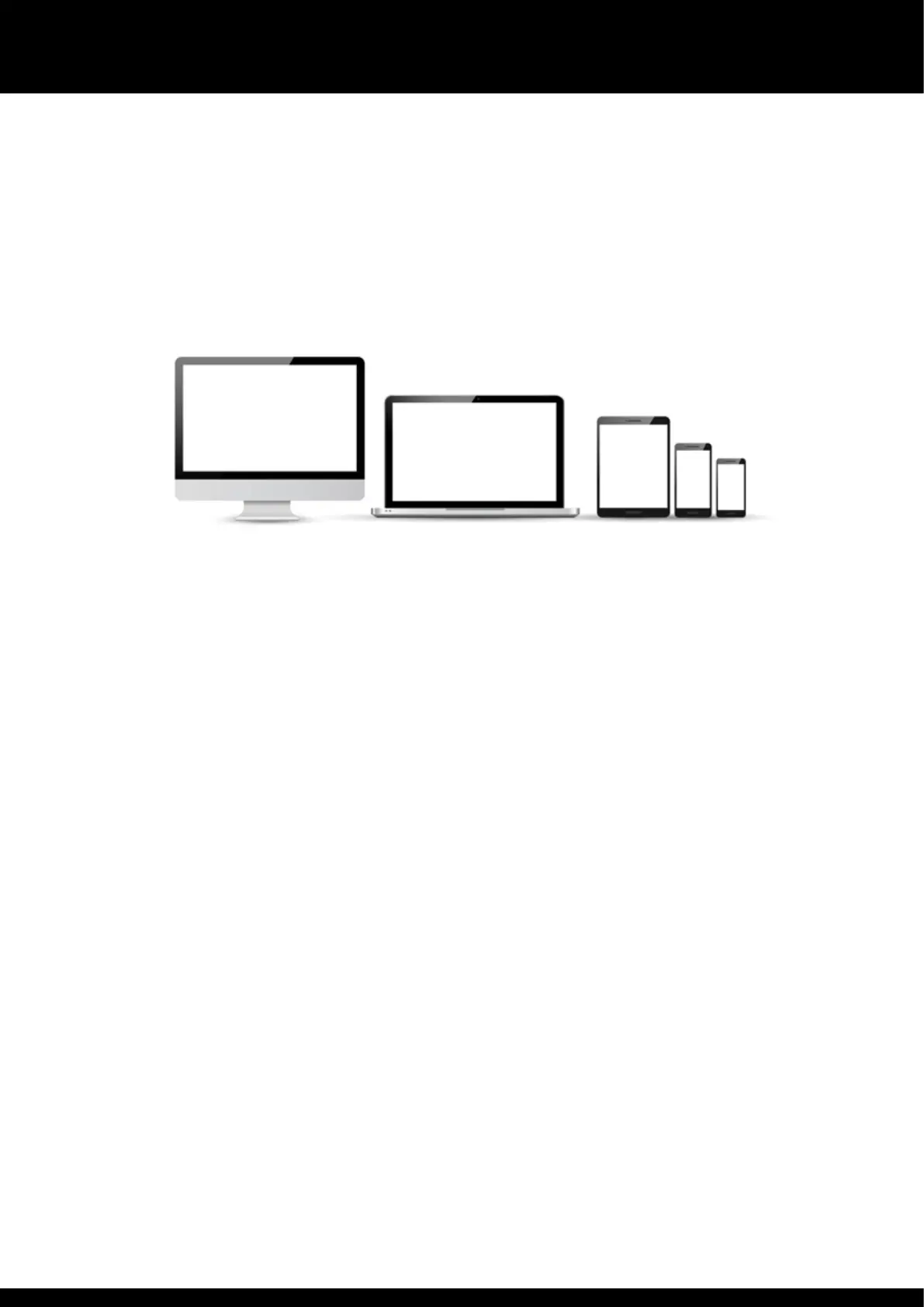
The Variheat can be controlled remotely eier rough a mobile device using a
ird-party Android/iOS app, or using a computer wi a web browser at can
run Active X.
The Variheat touchscreen must be connected to a LAN (local area network),
accessible to e device or computer to be used.
Local area network connection
The RJ45 Eernet port on e back of e touchscreen should be used (see
page 44).
The default network IP address for e Variheat is 192.168.1.150, but may be
changed as required (see section 2.1 Network setting).
If e Variheat is only to be accessed by devices connected to e same
network, no furer network setup is necessary. If e Variheat is to be accessed
from devices NOT connected to e same network, it is necessary to set port
forwarding to e network IP address of e Variheat.
Ports to be forwarded
80
6000
6002
If e Variheat is to be accessed from devices NOT connected to e same
network, a static public IP address for e network is recommended. If your ISP
(internet service provider) is not able to provide a static IP address, ird party
solutions are available to provide a static IP address, which may involve a cost.
Once set up, e Variheat may be accessed from an ActiveX enabled browser
such as Internet Explorer, or a mobile device using e Vijeo Design’Air app


 To Next Page