25
Technical Support: 01442 230 800 Email: technical@bpt.co.uk
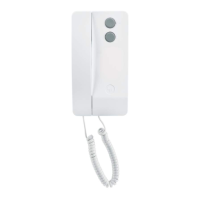
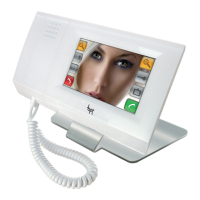
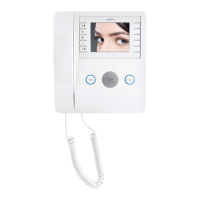
For Agata and Lynea Audio Receivers follow steps 1,
2, 4 and 5 on the opposite page for the video version.
NOTE: Agata audio handset buttons are similar to
Lynea (for step 2 above).
AGATA / LYNEA / PERLA
AUDIO ONLY RECEIVERS
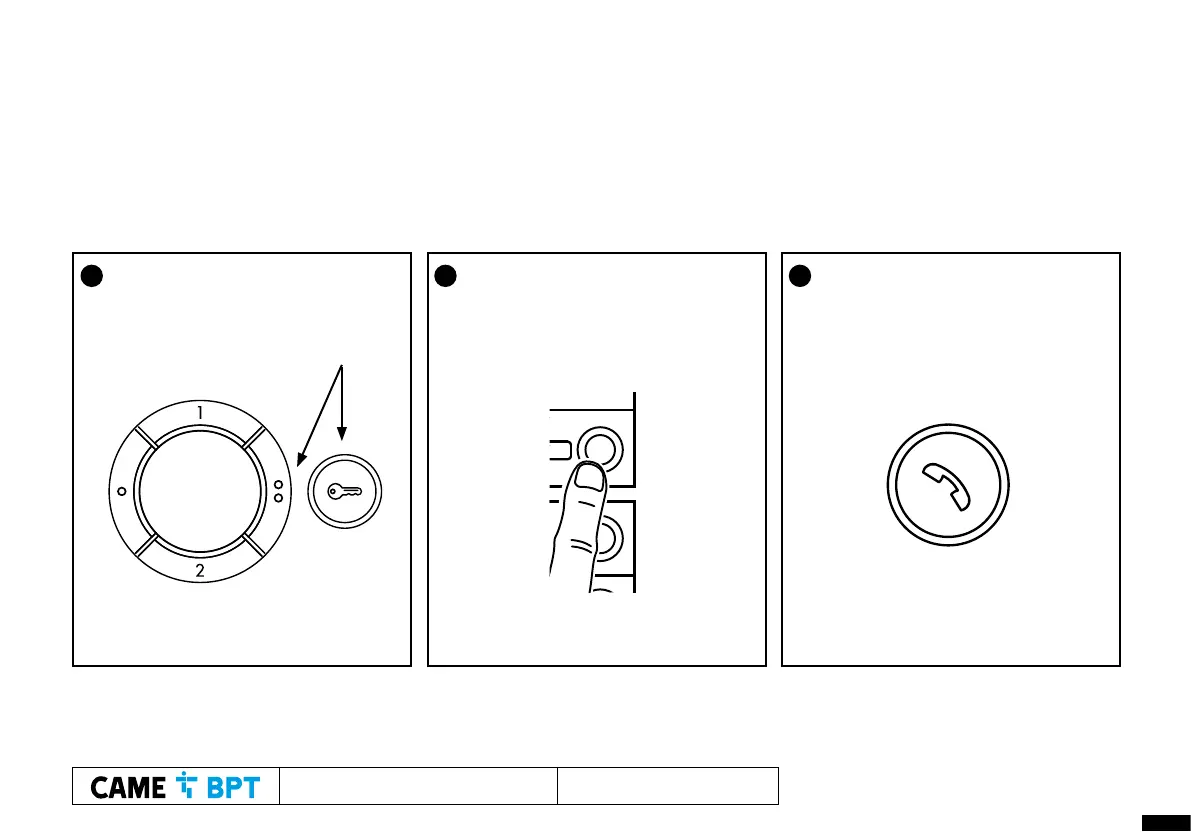
1 Press Door Release (KEY) and AUX 2
(2 dot) buttons together, check for
audio from the panel
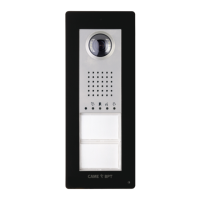
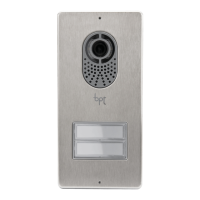
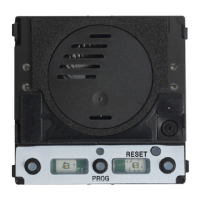
2 At the entry panel, press and hold the
call button (hold until audible
confirmation tone) to program
it to this receiver.
3 Press the handset button to close
communication




 To Next Page