27
Technical Support: 01442 230 800 Email: technical@bpt.co.uk
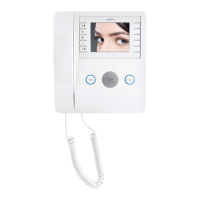
While still in programming mode,
if programming further receivers
of a different type, please refer
to the relevant receiver programming
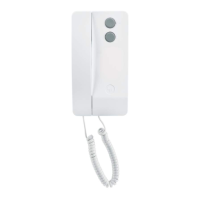
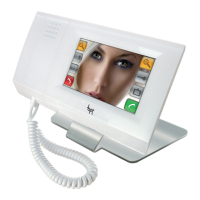
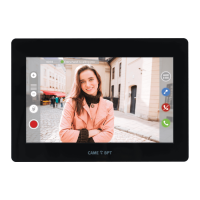
section. If programming more Perla,
Opale, Nova or Futura Video receivers,
repeat the above process on the next
receiver.
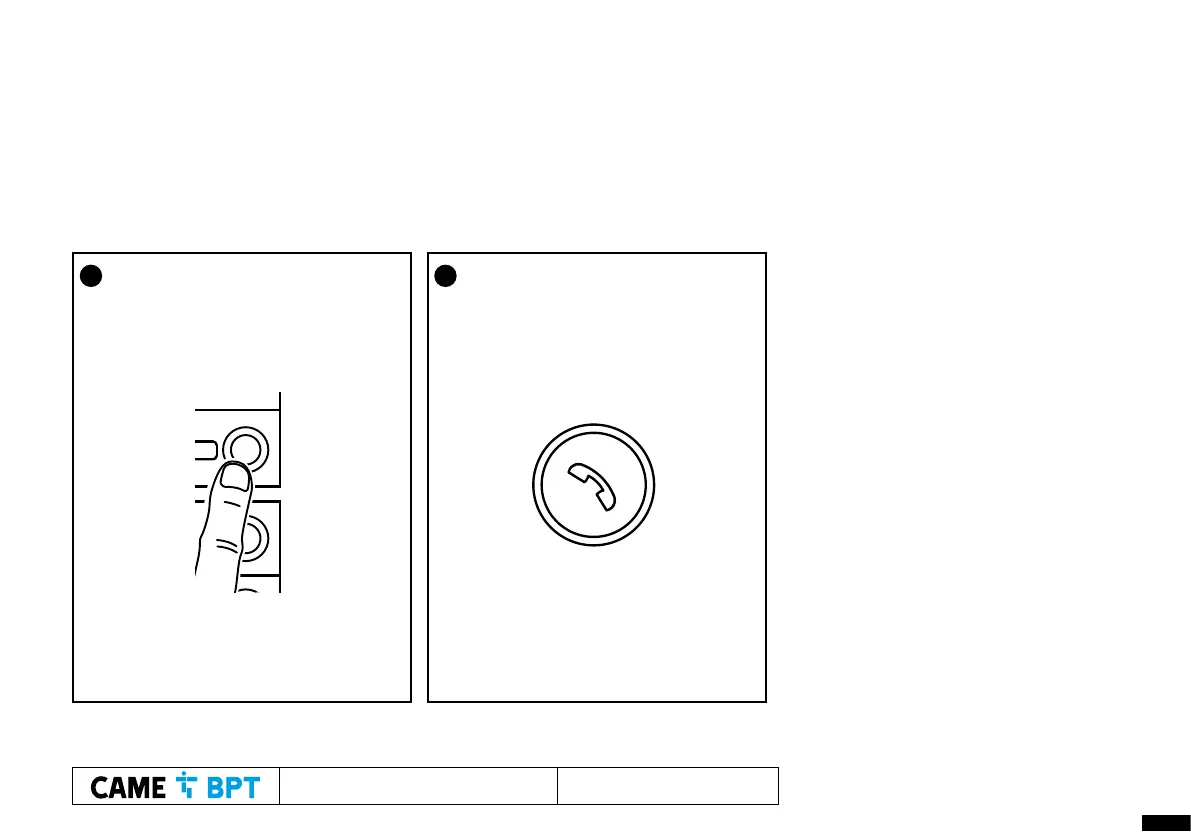
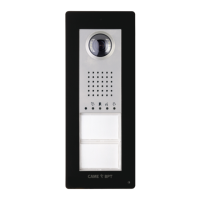
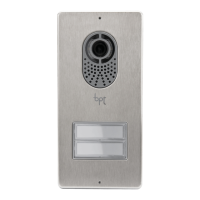
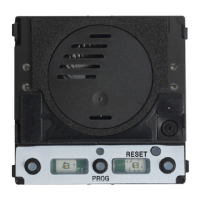
2 At the entry panel, press and hold the
call button (hold until audible
confirmation tone) to program
it to this receiver.
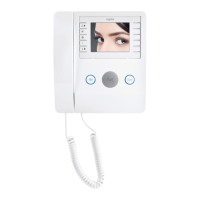
3 Press the handset button to close
communication




 To Next Page