28
Technical Support: 01442 230 800 Email: technical@bpt.co.uk
QUICK START -
MANUAL PROGRAMMING GUIDE
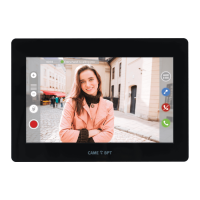
FOR XTS 7 X2
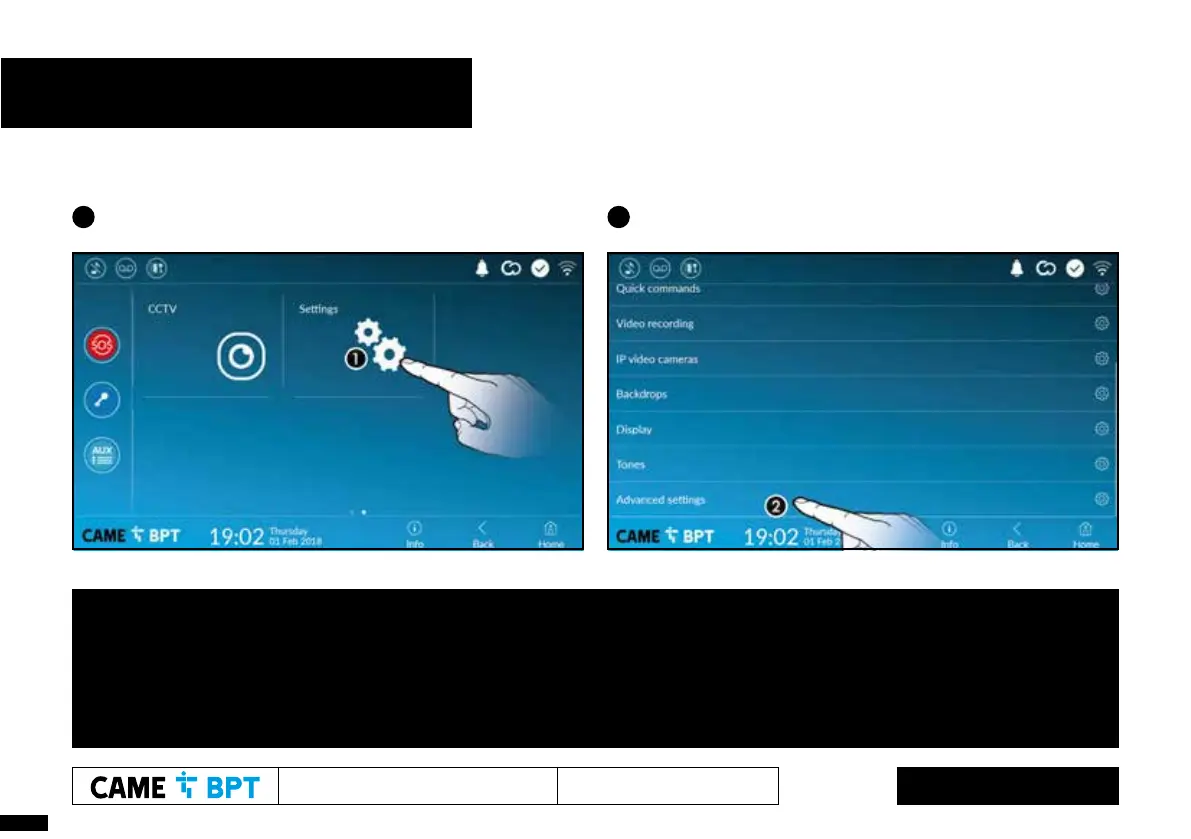
1 From the homepage, swipe left then select ‘Settings’ 2 Then swipe up and select ‘Advanced settings’ at the bottom
Adjustment of camera viewing angle on video receivers (Global function), if required.
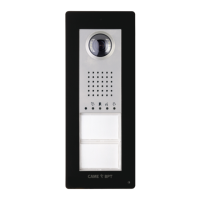
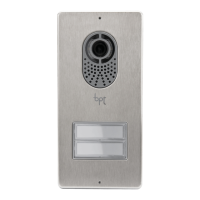
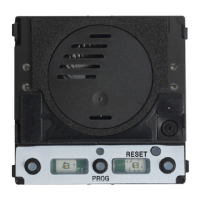
1. Press the programming button on the entry panel for 5 seconds, note the Orange LED starts ashing.
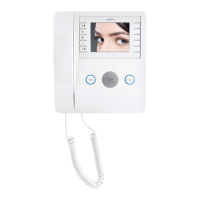
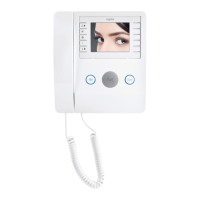
2. At a video receiver, lift the handset (if tted) and press the camera or ‘eye’ button to to activate the entry panel.
3. Use AUX 1 and AUX 2 buttons to step through nine viewing angles, replace handset or hangup when the desired view has been selected.
4. Exit programming by pressing the programming button on the entry panel for less than 1 second, note the Orange LED goes off.
Refer to wiring diagrams for
assistance with connections




 To Next Page