29
Technical Support: 01442 230 800 Email: technical@bpt.co.uk
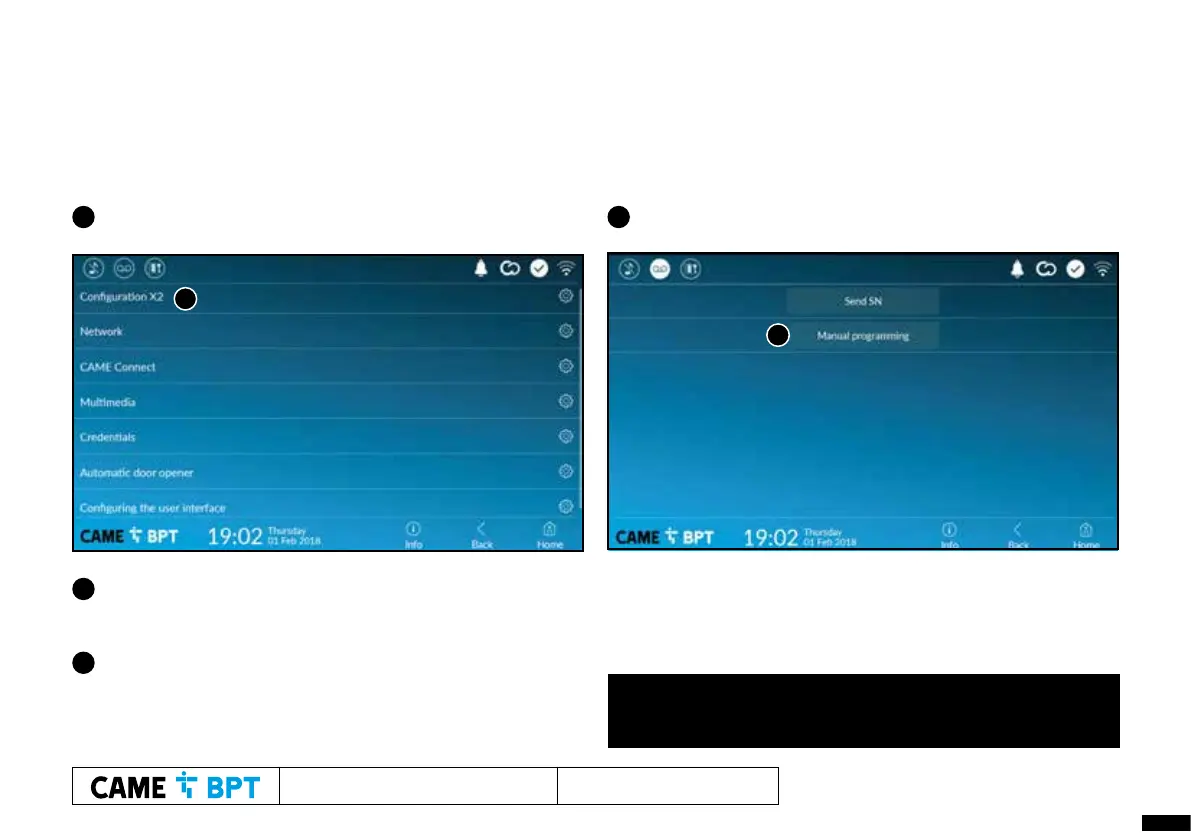
3 Now select ‘Configure X2’ OR ‘X2 Configuration’
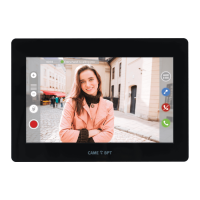
5 Click ‘OK’ to close the message box that appears and after
a short delay you will be presented with video from the
entry panel.
While still in programming mode, if programming further receivers
of a different type, please refer to the relevant receiver programming
section. If programming more XTS receivers, repeat the above
process on the next receiver.
Once all receivers have been assigned to their call button, press
the programming button for less than 1 second, note the Orange
LED goes off. The system is now programmed.
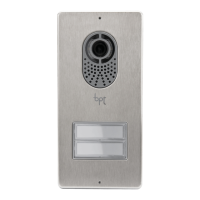
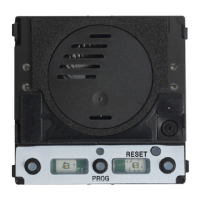
6 Go to the entry panel, press and hold the call button (hold until
audible confirmation tone) to program it to this receiver.
4 Select ‘Manual Programming’ You will be prompted for
a password. Enter ‘112233’ and then ‘OK’
3
4




 To Next Page