Defining an MCA
Lynx DSA User's Manual - 9240227J 35
MCA
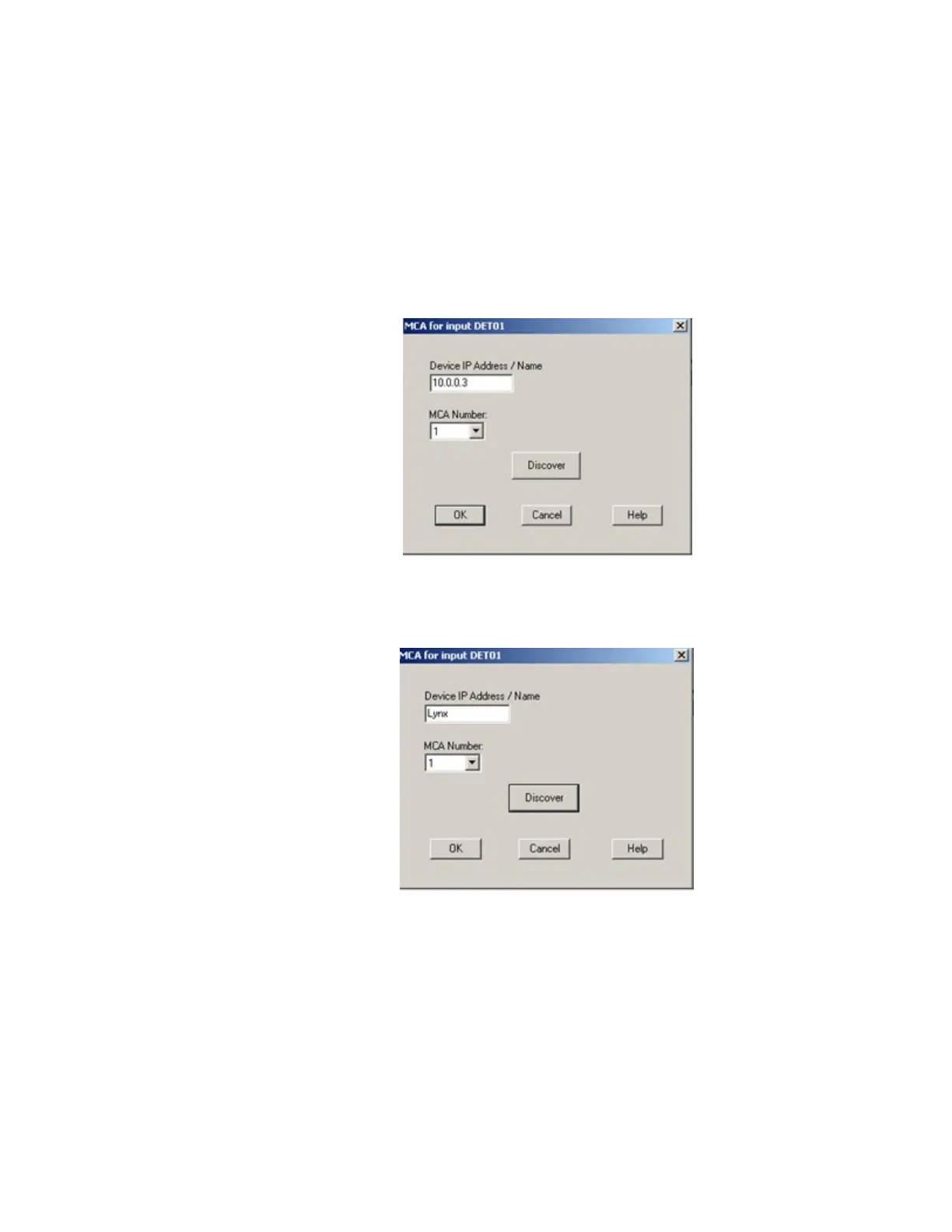
From the Device menu, select the MCA command to display a dialog box. Enter
either the IP address or its exact UPnP Name. See Discovering the Lynx MCA on
page 35 for additional information.
Next, select the MCA's Number depending on your acquisition requirements, where
1 = PHA acquisition, and 2 = MCS acquisition.
Click on OK to accept the changes.
Figure 11: Identify Lynx Device by entering its IP Address
Figure 12: Identify Lynx Device by entering its DCHP Name
Note: Device names are restricted to 8 characters in length
Discovering the Lynx MCA
If the Discover button is selected and the Universal Plug and Play features have been
activated in both the Lynx and your Windows PC, the Lynx identification
information will be displayed. Select the desired Lynx and click the OK button to
automatically fill the IP address information in the Device IP Address field.



 To Next Page