26
;
Imprinting the Date or Time (DATE Model only)
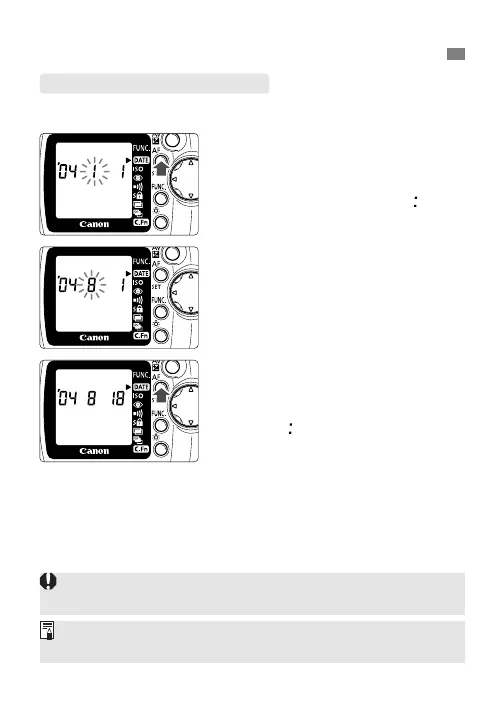
Setting the Date and Time
1
Move the <
>
> arrow to <
;
>.
2
Select the digit to be set.
•
Press the
<
[
>
button.
•
The digit selection will change in
the following sequence: year,
month, day, hour, minute, “ ”.
3
Set the correct number.
•
Turn the <l> dial.
•
Repeat steps 2 and 3 until all the
date and time digits are set correctly.
4
Finalize the date and time setting.
•
Keep pressing the <[> button
until no digits are blinking.
•
If you press the <[> button
while “ ” is blinking, 0 sec. will be
set.
The date and time setting can be retained for about 10 min. after
the camera’s batteries are removed.
If a picture is taken while the date and time are blinking, the date
and time will not be imprinted on that picture.













 To Next Page