24
FE (Flash Exposure) lock locks the correct flash exposure setting for
any part of the scene.
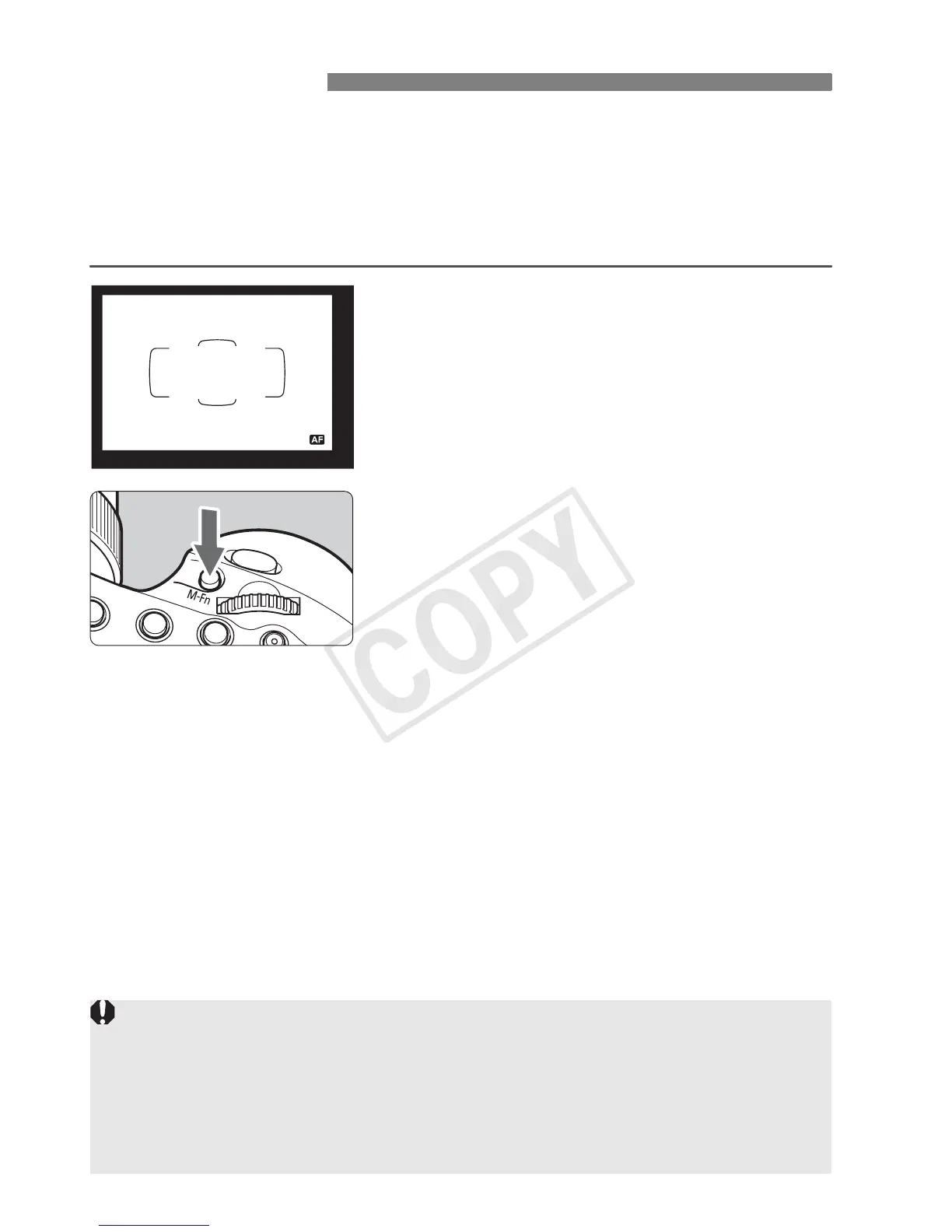
While <a> is displayed on the LCD panel, press the camera’s
<
B> button. On cameras without a <B> button, press the <7>
or <P> (AE lock) button.
1
Focus the subject.
2
Press the <B> button. (2)
Aim the center of the viewfinder over
the subject and press the <B>
button.
X The Speedlite fires a preflash, and
the flash output required for the
subject is retained in the memory.
X “FEL” will be displayed in the
viewfinder for 0.5 sec.
Each time you press the <B>
button, a preflash will be fired and the
new flash output required at that time
is retained in the memory.
7: FE Lock
If a correct exposure cannot be obtained when FE lock is performed, <Q>
blinks in the viewfinder. Move closer to the subject, open the aperture,
and perform FE lock again. You can also increase the ISO speed and
perform FE lock again when using a digital camera.
If the target subject is too small in the viewfinder, FE lock might not be
very effective.














 To Next Page