29
e: Flash Coverage Setting
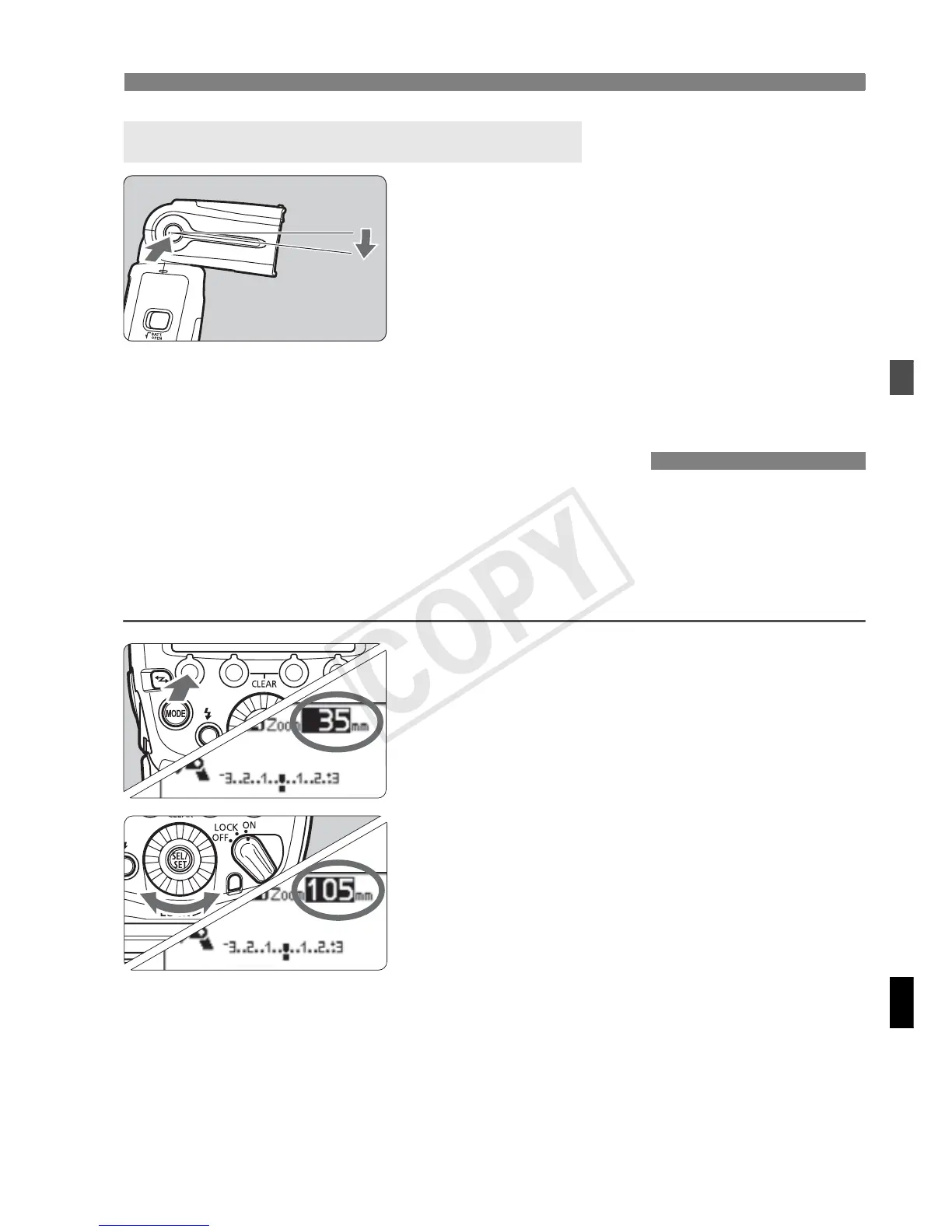
When you position the flash head down
by 7° while pressing the <z>
button, you can shoot subjects at a short
distance in a range of approx. 0.5 to 2 m
(1.6 to 6.6 ft.).
When the flash head is positioned down
by 7°, the flash icon on the LCD panel
changes to <
n
>.
“Automatic” and “Manual” settings are available as the flash coverage
settings. In the auto setting, the flash coverage is automatically adjusted
according to the focal length of the shooting lens. With the manual
setting, you can set any flash coverage in a range of 20 to 200 mm.
1
Press the <[> button.
Press function button 1 <[>.
X The flash coverage value is
highlighted.
2
Set the flash coverage.
Turn <9> to set the flash coverage,
and press <8>.
<L> indicates the automatic setting
and <d> indicates the manual
setting.
n
Short Distance Flash Shooting
e: Flash Coverage Setting














 To Next Page