71
Linked Shooting with Radio Transmission
1
Set the flash or transmitter to
normal shooting.
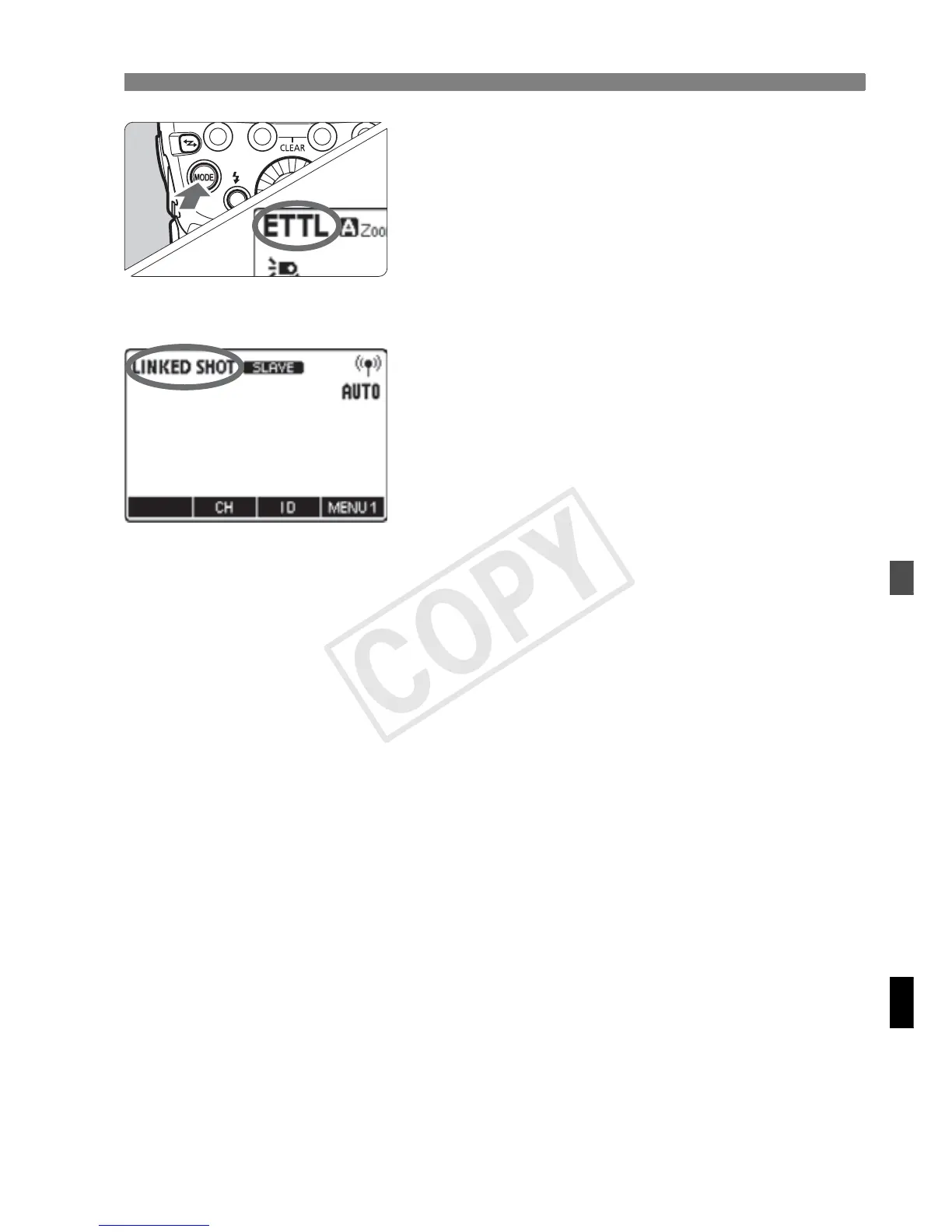
Press the <I> button to set to
normal flash shooting.
Check that <' > (radio transmission)
and <:> (optical transmission) are
not displayed on the LCD panel.
2
Set to linked shooting mode.
Press the <I> button continuously
until <b> is displayed on
the LCD panel.
X Linked shooting mode’s “Slave unit”
is set.
Press the <I> button again to set
“Master unit” of the linked shooting
mode.
3
Set the channel and ID.
Set the channel by pressing function
button 2 <C>, and set the ID by
pressing function button 3 <H>.
For details on setting, see pages 52
to 55.
4
Set the camera’s shooting
functions.














 To Next Page