Still Image Recording Options
50
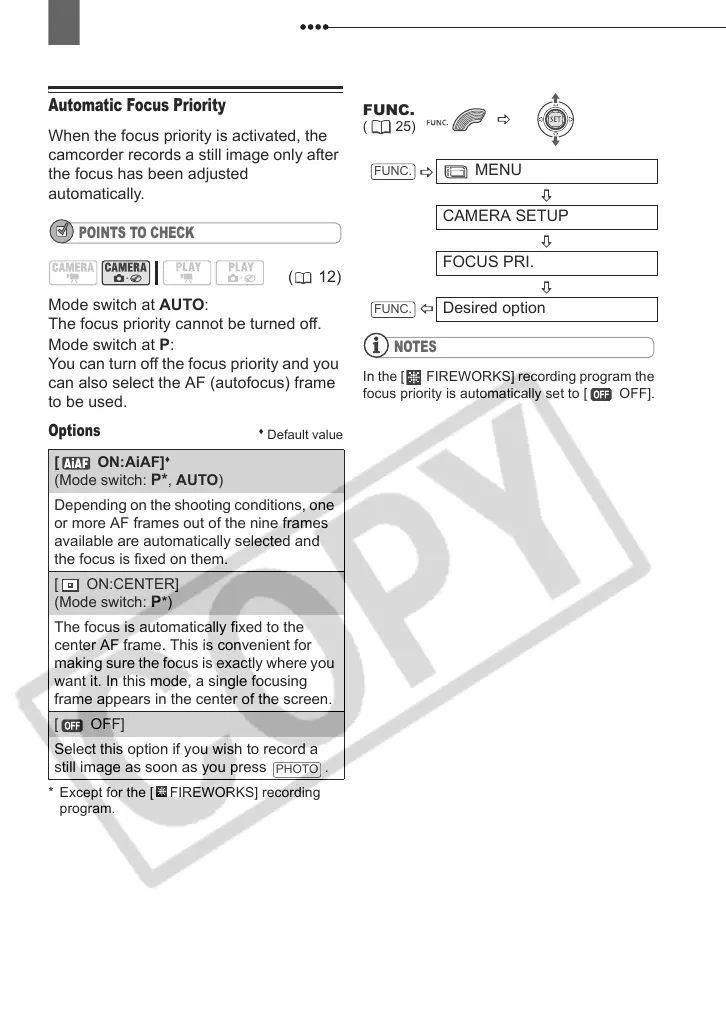
Automatic Focus Priority
When the focus priority is activated, the
camcorder records a still image only after
the focus has been adjusted
automatically.
POINTS TO CHECK
Mode switch at AUTO:
The focus priority cannot be turned off.
Mode switch at P:
You can turn off the focus priority and you
can also select the AF (autofocus) frame
to be used.
Options
Default value
* Except for the [ FIREWORKS] recording
program.
NOTES
In the [ FIREWORKS] recording program the
focus priority is automatically set to [ OFF].
(12)
[ ON:AiAF]
(Mode switch: P*, AUTO)
Depending on the shooting conditions, one
or more AF frames out of the nine frames
available are automatically selected and
the focus is fixed on them.
[ ON:CENTER]
(Mode switch: P*)
The focus is automatically fixed to the
center AF frame. This is convenient for
making sure the focus is exactly where you
want it. In this mode, a single focusing
frame appears in the center of the screen.
[ OFF]
Select this option if you wish to record a
still image as soon as you press .
PHOTO
FUNC.
( 25)
MENU
CAMERA SETUP
FOCUS PRI.
Desired option
FUNC.
FUNC.
D121C_NTSC-E.book Page 50 Thursday, January 11, 2007 2:46 PM



 To Next Page