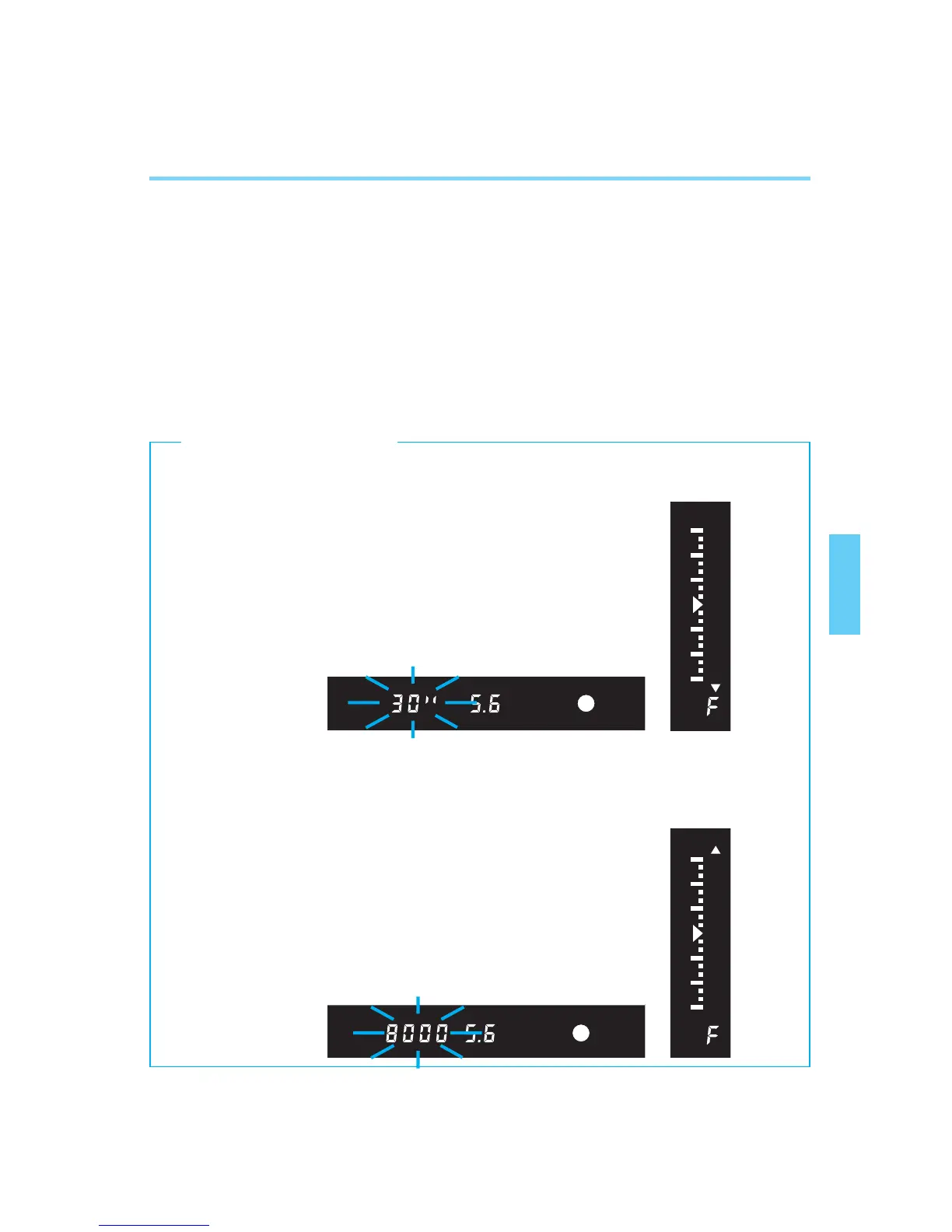
• When a shutter speed of 30” blinks in the display, the image will be underexposed.
Turn the main dial to set a larger aperture (smaller aperture number) so the shutter
speed stops blinking.
• When a shutter speed of 8000 blinks in the display, the image will be overexposed.
Turn the main dial to set a smaller aperture (larger aperture number) so the shutter
speed stops blinking.
53
Aperture-priority AE [Av]
5
After confirming the shutter speed,
press the shutter button completely
to take the picture.
• If the shutter speed is not blinking,
proper exposure will be obtained.
• Caution: Camera shake may produce
an unsharp picture if the shutter speed
becomes slower than “1/focal length of
the lens in use.”
[Exposure Warnings]
00. Part.3 RS (E) (P.48~64) 27-01-2003 11:57 Page 53


 To Next Page