Handy Features
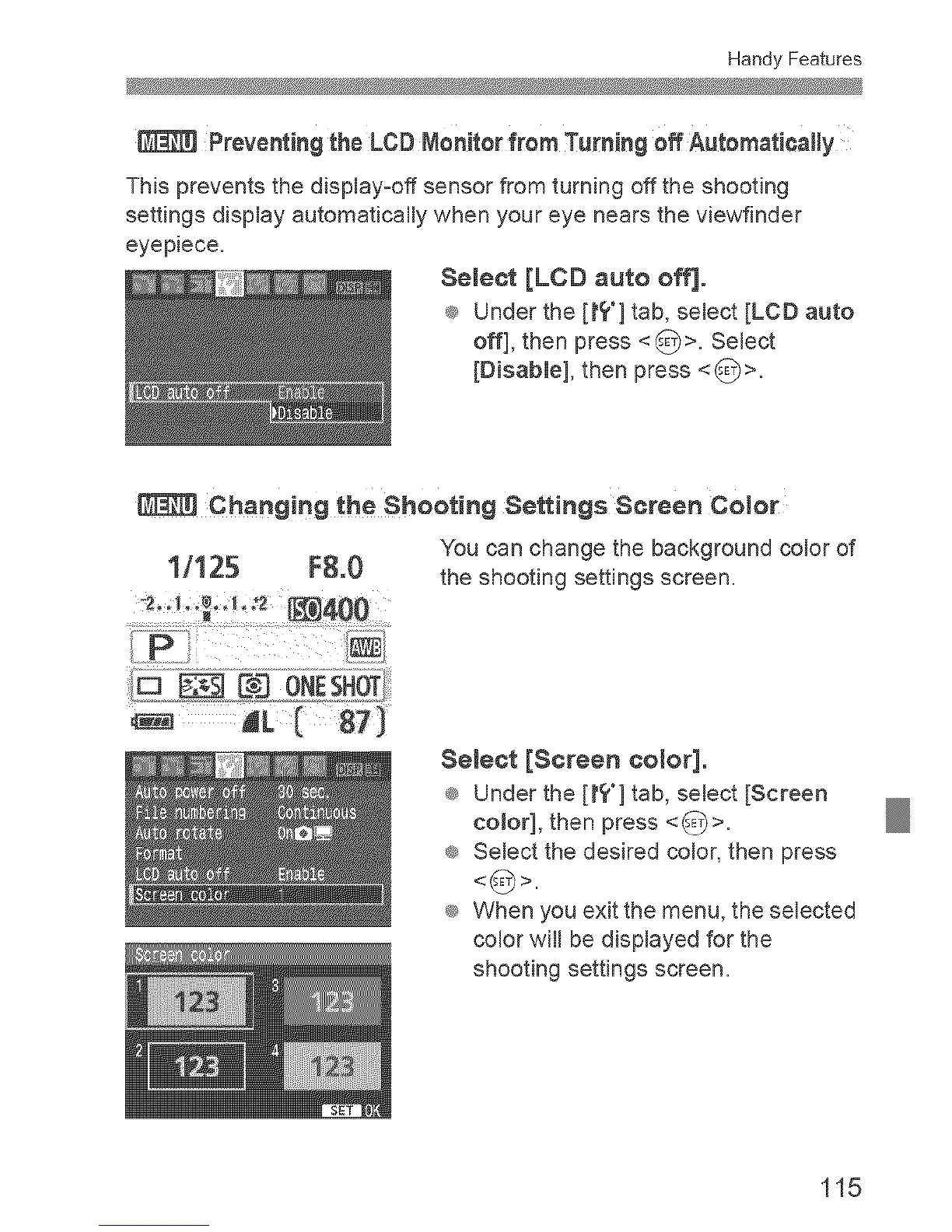
Preventing the LCB Monitor from Turning off Automatically
TMs prevents the display-off sensor from turning off the shooting
settings display automaticafly when your eye nears the viewfinder
eyepiece.
Semect [LCD auto off].
® Under the [t? °] tab, select [LOB auto
off], then press <_>. Select
[DisabIe], then press <_>=
Changing €he Shooting Settings Screen Color
You can change the background color of
1/125 FS.0 the shooting settings screen.
,......................p _.............
Semeot [Screen ooJor].
® Under the [tt"] tab, select [Screen
coJor], then press <_>.
® Select the desired color, then press
® When you exit the menu, the selected
color wifl be displayed for the
shooting settings screen.
115



 To Next Page