Setting Custom Functions*
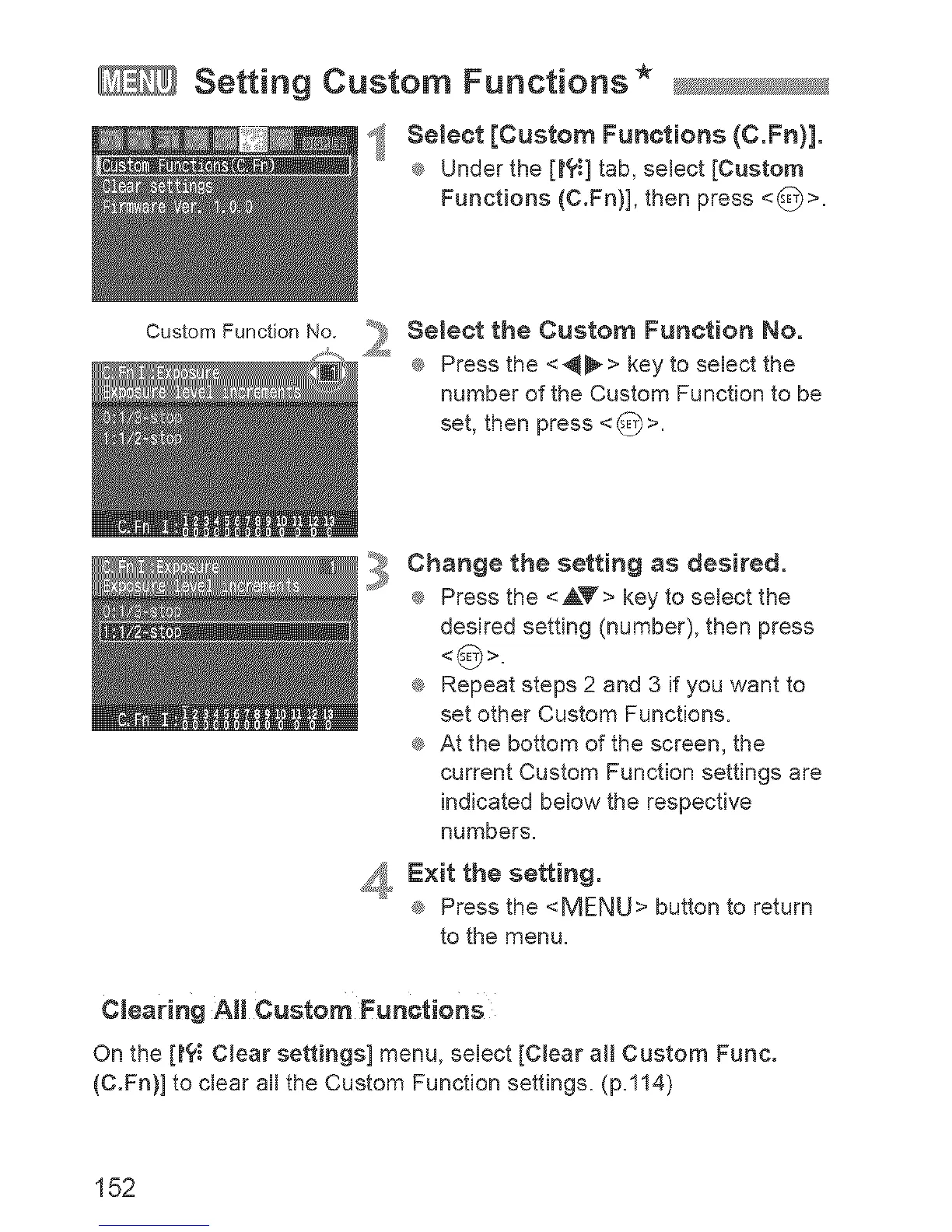
ff_ Semect [Custom Functions (C.Fn)].
® Under the [t?_] tab, select [Custom
Functions (C.Fn)], then press <_>.
Custom Function No.
_! emeet the Custom Function No.
® Press the <_> key to select the
number of the Custom Function to be
set, then press <_>.
,3
Change the setting as desired.
® Press the <AT> key to select the
desired setting (number), then press
® Repeat steps 2 and 3 if you want to
set other Custom Functions.
® At the bottom of the screen, the
current Custom Function settings are
indicated below the respective
numbers.
_,, Exit the setting.
® Press the <MENU> button to return
to the menu.
Clearing All Custom Functions
On the [t?_ CJear settings] menu, select [CJear all Custom Func.
(C.Fn)] to clear all the Custom Function settings. (p.114)
152



 To Next Page