Focusing Manually*
Although autofocus can be used (p=102, 104), magnifying the image
and focusing manually is recommended for precise focusing.
Magnifying the mmage for Manual Focusing
_ Set the Rens focus mode switch to
<MF>.
_ Turn the lens focusing ring to focus
roughly.
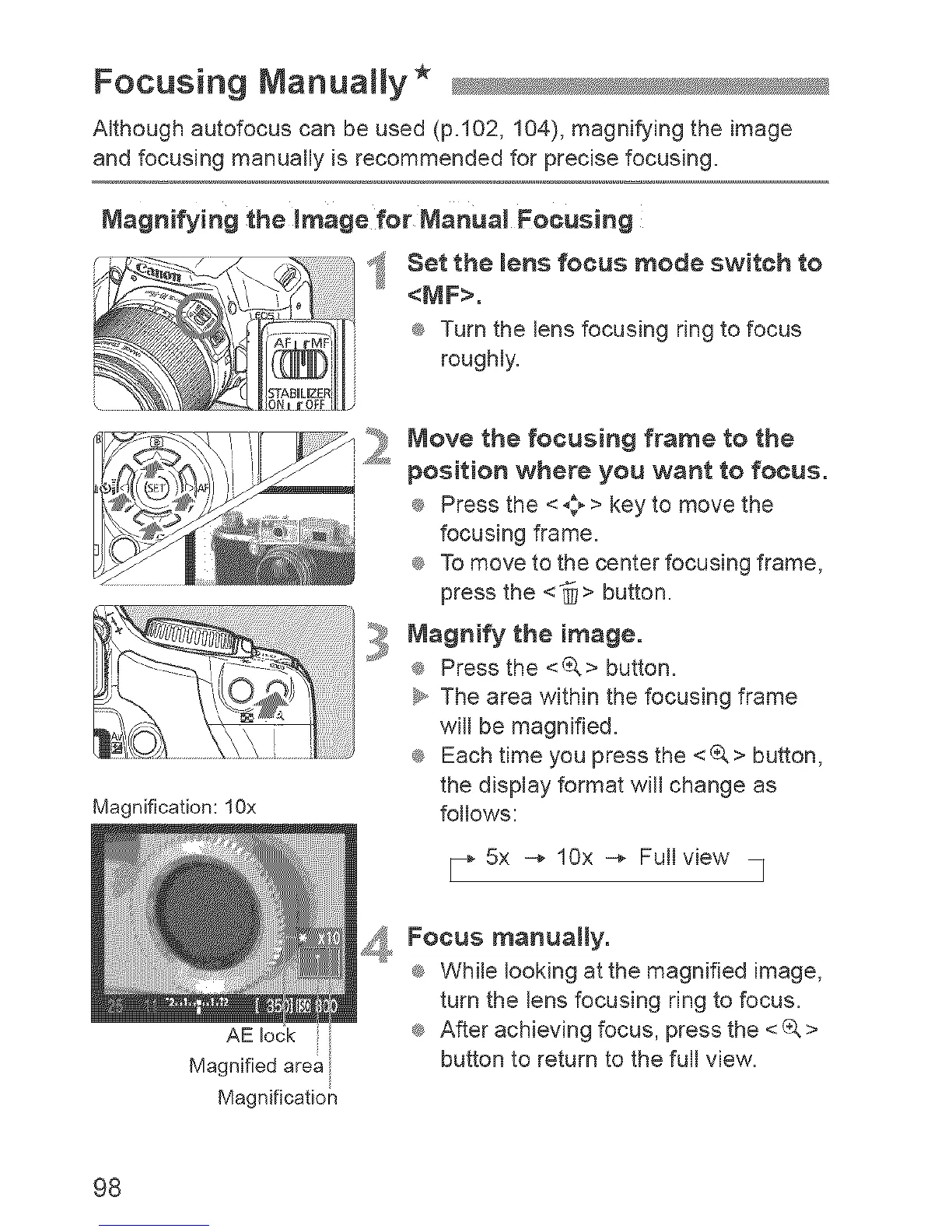
Magnification: lOx
AE lock
Magnified area
Magnification
_t,_**_Move the focusing frame to the
position where you want to focus.
i _ Press the <_;_ > key to move the
focusing frame.
_ To move to the center focusing frame,
press the <_> button.
Magnify the image.
® Press the <(&> button.
_y,,The area within the focusing frame
wifl be magnified.
® Each time you press the <_> button,
the display format wifl change as
follows:
_- 5x -* lOx -* Fullview I
_I,, Focus manually.
_ While looking atthe magnified image,
turn the lens focusing ring to focus.
_ After achieving focus, press the <_ >
button to return to the full view.
98



 To Next Page