DigitalPrintOrderFormat(DPOF)
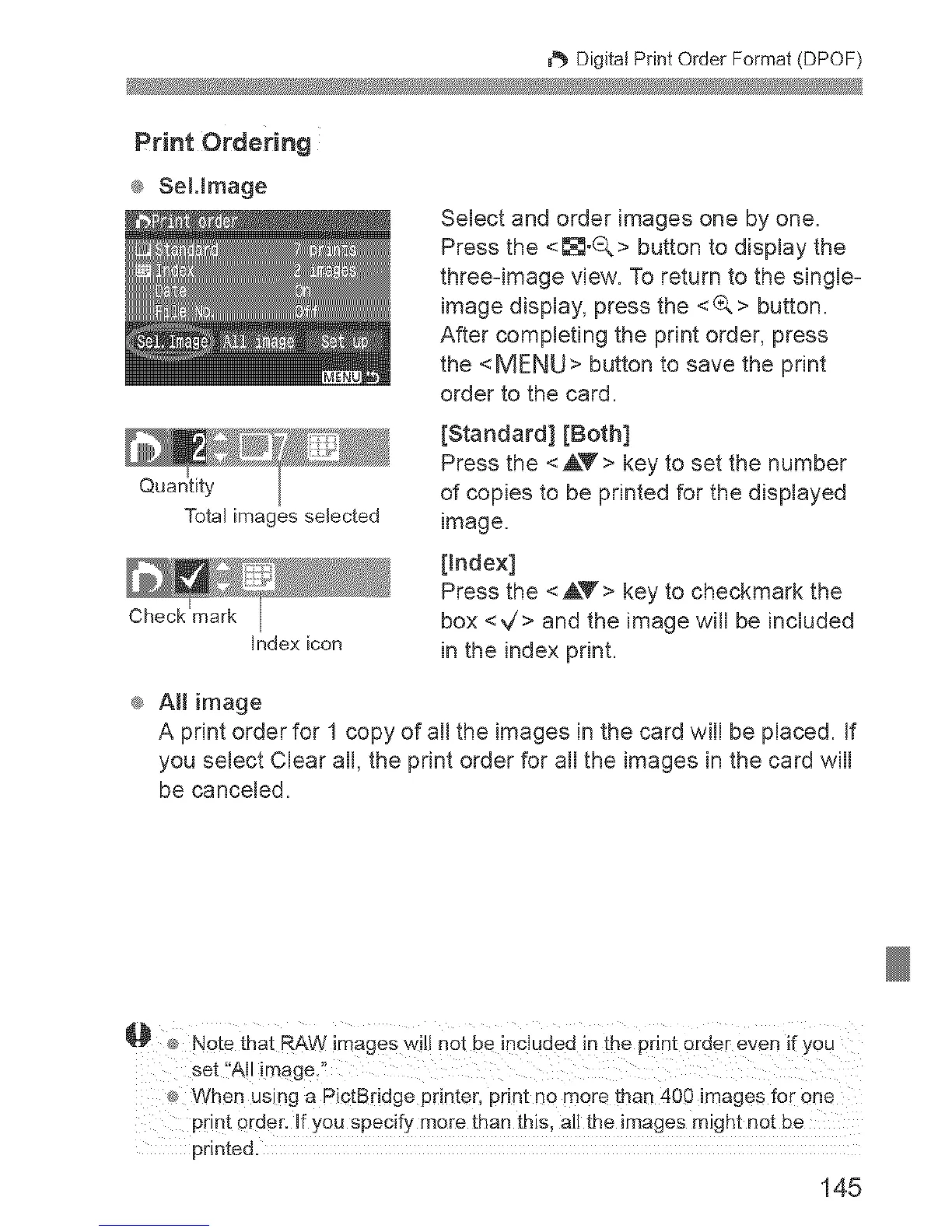
Total images selected
Check
Index icon
Select and order images one by one.
Press the <_°Q> button to display the
three-image view. To return to the single-
image display, press the <(A> button.
After completing the print order, press
the <MENU> button to save the print
order to the card.
[Standard] [Both]
Press the <AV > key to set the number
of copies to be printed for the displayed
image.
[index]
Press the <AY> key to checkmark the
box <V'> and the image will be included
in the index print.
® AH image
A print order for 1 copy of all the images in the card will be placed. If
you select Clear all, the print order for all the images in the card will
be canceled.
_ When using a PictBddge printer, print no more than 400 images for one
pdnt order. Jfyou specify more than this, all the images might not be
printed.
145



 To Next Page