ix
Keys and Buttons Used in This Manual
The following symbols and key/button names are a few examples of how keys and buttons to be
clicked or pressed are expressed in this manual:
Control Panel Keys: Key Icon (Key Name)
Example:
(Start)
(Stop)
Touch Panel Display Keys: [Key Name]
Example:
[Cancel]
[Done]
Buttons on Computer Operation Screens: [Button Name]
Example:
[OK]
[Add]
Displays Used in This Manual
Screen shots of the touch panel display used in this manual have been taken from the imageRUNNER
3245.
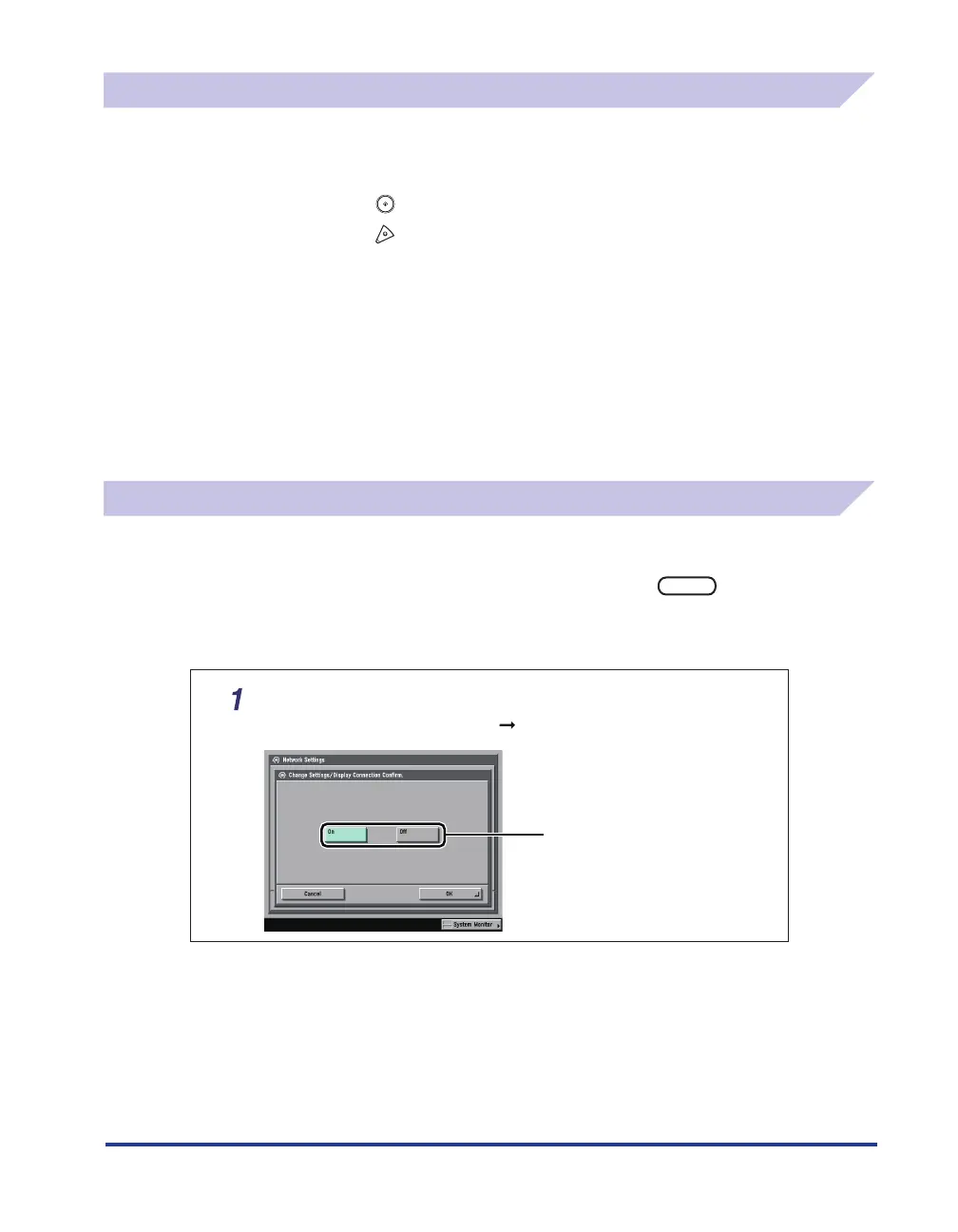
The keys or buttons which you should click or press are marked with a
, as shown below.
When multiple buttons or keys can be clicked or pressed, they will be highlighted and mentioned in
the order in which they should be clicked or pressed.
On the Network Settings screen, press [Change Settings/
Display Connection Conrm.]
specify the following.
Press this key for operation.
•
•
•















 To Next Page