Protocol Settings
5-17
5
Using a TCP/IP Network
[On] for <Register Stateful Address>: You can automatically register a stateful address in the DNS server
using dynamic DNS updating.
Windows 2000 Server and Windows Server 2003 do not support DHCPv6 servers.
Settings Common to TCP/IPv4 and TCP/IPv6
This section describes the procedure for specifying the settings common to TCP/IPv4 and TCP/IPv6
using the control panel. Specify the settings required for your network environment. If you want to
use both TCP/IPv4 communications and TCP/IPv6 communications, specify the settings required for
both protocols.
After performing this procedure, follow the procedure in “Confirming TCP/IPv4 Settings,” on p. 5-24
and “Confirming TCP/IPv6 Settings,” on p. 5-25 to check whether the network settings are correct.
1
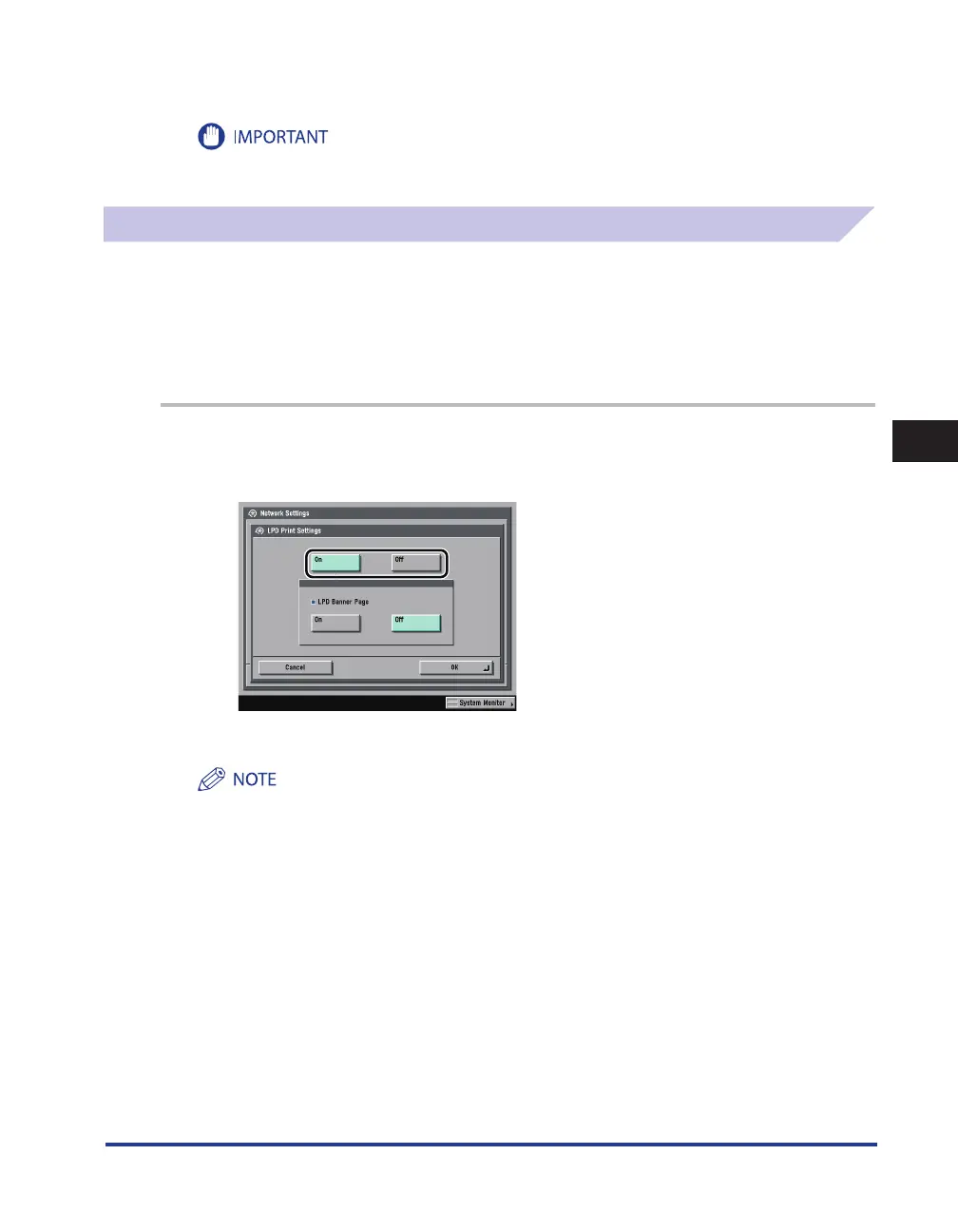
On the TCP/IP Settings screen, press [ LPD Print Settings]
→
specify the
following.
[On]: You can use LPD as the print application.
You can only output a banner page if you are using the imageRUNNER 3245i/3235i, or the imageRUNNER
3245/3235/3230/3225 with the optional PCL Printer Kit or the optional PS Printer Kit.
Output of a banner page is set on a print-job basis. Even if [On] is selected for < LPD Banner Page >, a banner
page cannot be output for a print job unless it is set.
•
•















 To Next Page