Setting Up the Printer Configuration
10-8
10
Before Printing from Computers
For Mac
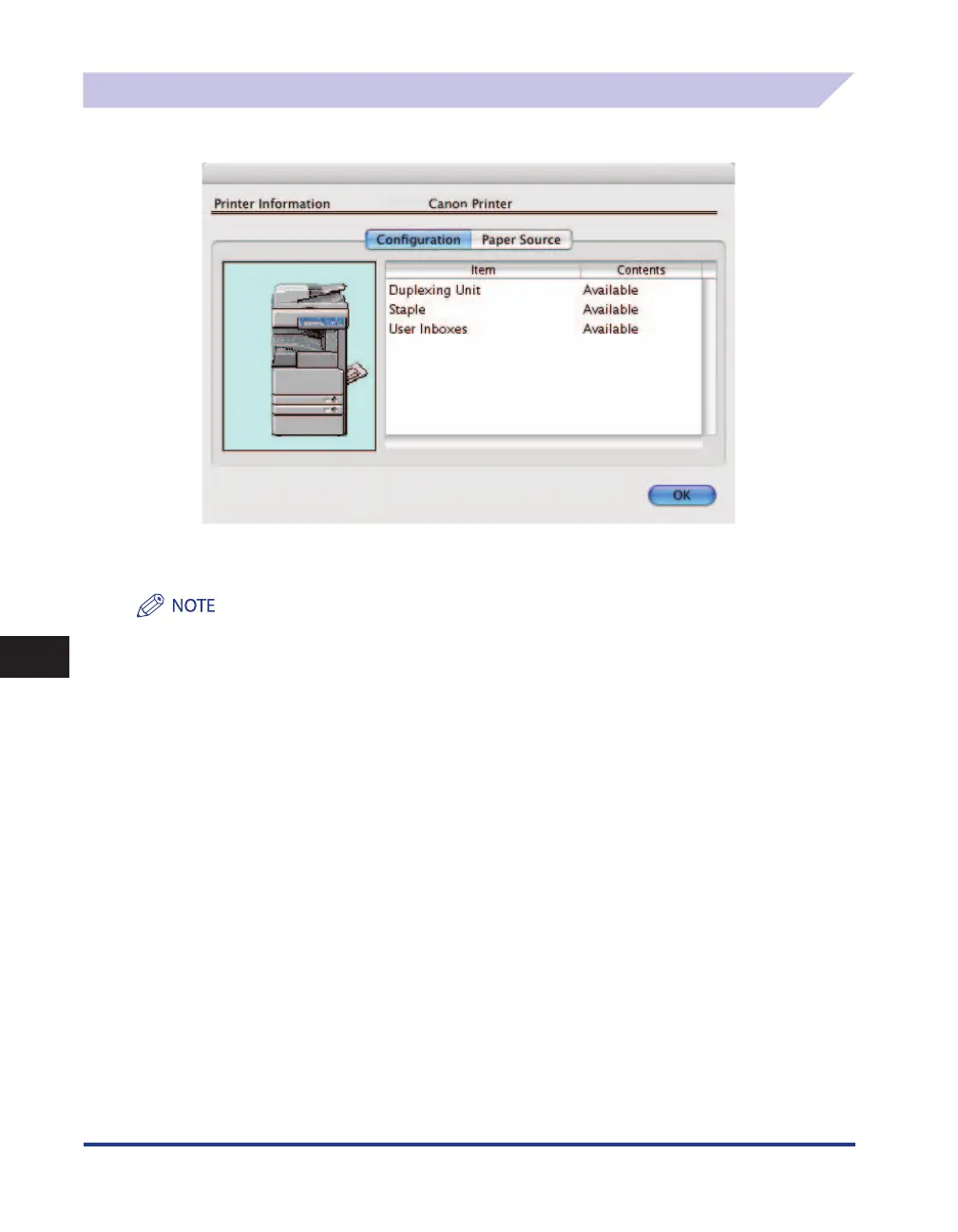
Display the [Printer Information] dialog box of the printer driver to obtain the device status.
The [Printer Information] dialog box is displayed by clicking [Printer Info] in any of the preferences
panes of the printer driver.
Depending on the type and version of the printer driver and the printer connection method, you may have to set
the printer options manually. For details, see the Online Manual (PDF).















 To Next Page