Installing the Printer Driver
10-5
10
Before Printing from Computers
Installation
For details about the installation procedure, refer to the "Printer Driver Installation Guide" if you are
using Windows, or the "Mac UFR II Driver Guide" or "Mac PS Driver Guide" if you are using a Mac OS.
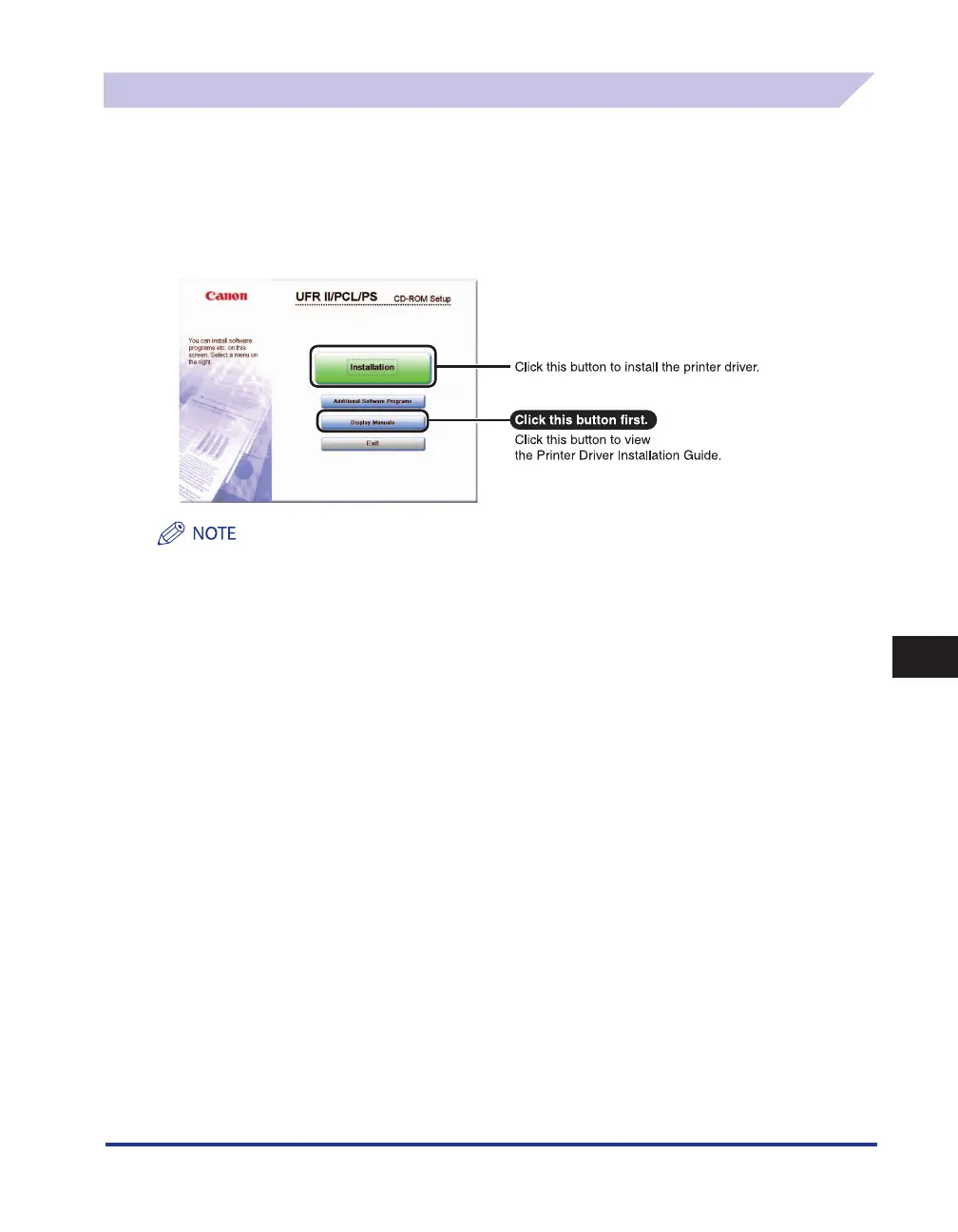
From the menu screen of the CD-ROM, you can begin installing the printer driver, or display the
Printer Driver Installation Guide/Mac UFR II Driver Guide/ Mac PS Driver Guide.
CD-ROM Menu (Windows):
You cannot view the Printer Driver Installation Guide after installation has started. If you want to view the Printer Driver
Installation Guide, do so before you start the installation.
■















 To Next Page