License Registration
2-3
2
Using Optional Functions That Require License Registration
2
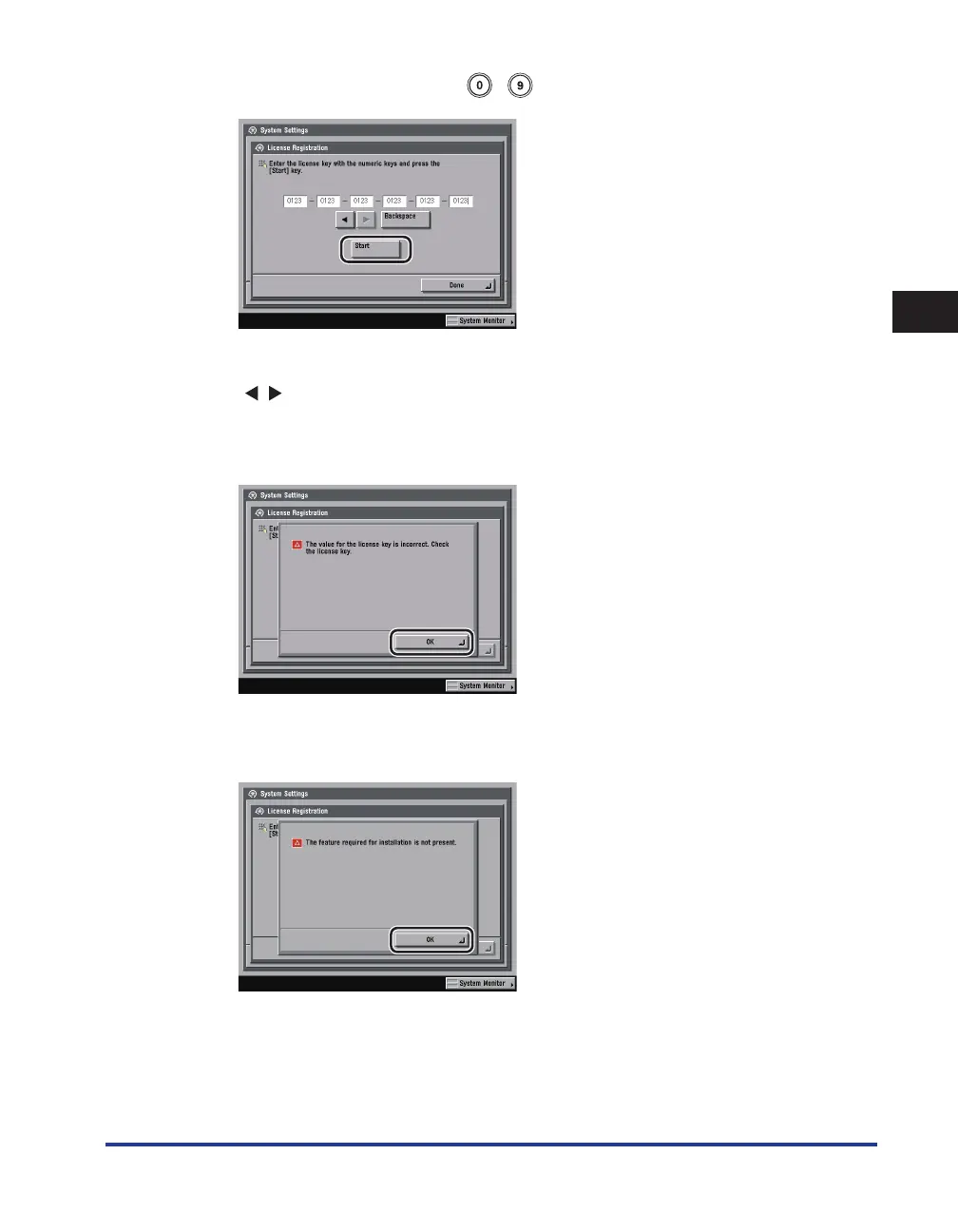
Enter the license key using - (numeric keys)
→
press [Start].
Details of each item are shown below.
[
] [ ]:
Press to move the cursor to the desired position.
[Backspace]: Press to delete the last number entered.
If the following screen is displayed, press [OK]
→
enter the correct license key.
If the following screen is displayed, the required optional equipment needed for license registration has
not been installed. Press [OK]
→
install the required optional equipment or make sure that the required
optional equipment is installed properly
→
try registering the license key again.


 To Next Page
 Loading...












